
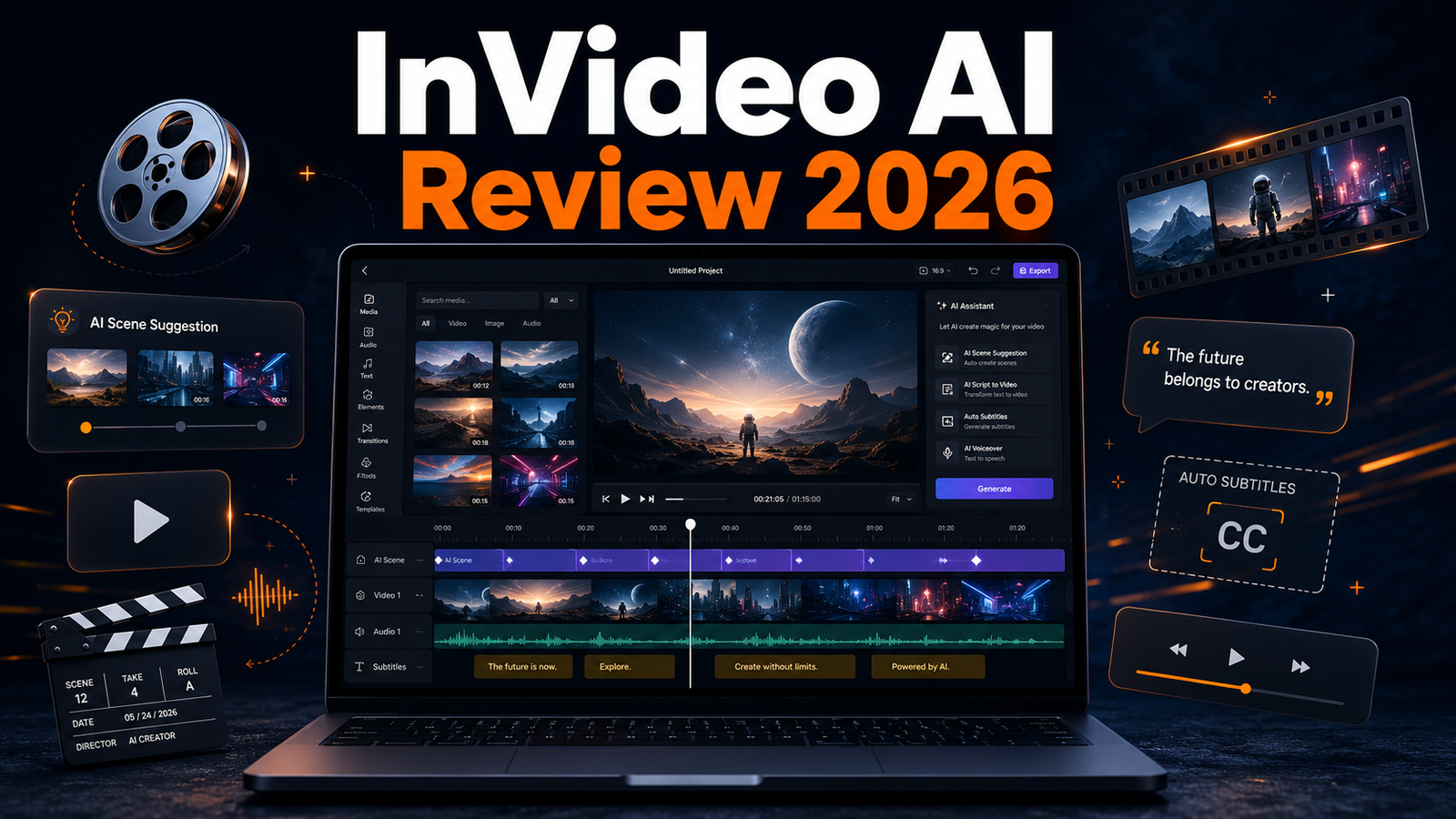
The InVideo AI review 2026 covers one of the most widely used AI video tools among content creators, faceless YouTube operators, and social media managers. InVideo AI takes a text script and converts it into a complete video with stock footage, transitions, text overlays, and an AI voiceover. The entire process takes minutes rather than hours, which is why it has become a go-to tool for high-volume video publishing.
At TNT Review, we have used InVideo AI across multiple channel types. Here is the full picture.
What Is InVideo AI?
InVideo AI is a browser-based video creation platform that generates complete videos from a text prompt or uploaded script. It uses an AI engine to match relevant stock footage to each section of your script, apply transitions, add captions, and layer in background music. The result is a structured, export-ready video that requires minimal manual editing.
It is designed for creators who need consistent output at scale, not for one-off cinematic productions.
InVideo AI Key Features 2026
- Script-to-video: Paste a script or describe your topic and InVideo builds the full video automatically.
- AI stock footage matching: The AI selects relevant clips from a library of millions of licensed stock videos for each scene.
- AI voiceover: Choose from multiple AI voices to narrate the video without recording your own audio.
- Auto captions: Subtitles are generated and synced automatically.
- Multi-format export: Export in landscape (YouTube), portrait (Reels), or square (social) format from a single project.
- Team collaboration: Higher tiers allow multiple editors to work on the same project.
InVideo AI Video Quality: Honest Assessment
InVideo AI output is polished but not cinematic. The stock footage selection is generally relevant, though it occasionally picks clips that feel generic or disconnected from a specific sentence in the script. The AI voiceover quality is adequate for informational content but lacks the expressiveness of a professional narrator or a dedicated tool like ElevenLabs.
For YouTube channels covering news, explainers, listicles, and educational content, InVideo output is entirely audience-ready. For high-production-value storytelling or brand campaigns, the output requires significant manual refinement.
The most efficient workflow is to use InVideo AI as the assembly layer, then bring the export into CapCut for caption styling, colour grading, and final polish before publishing.
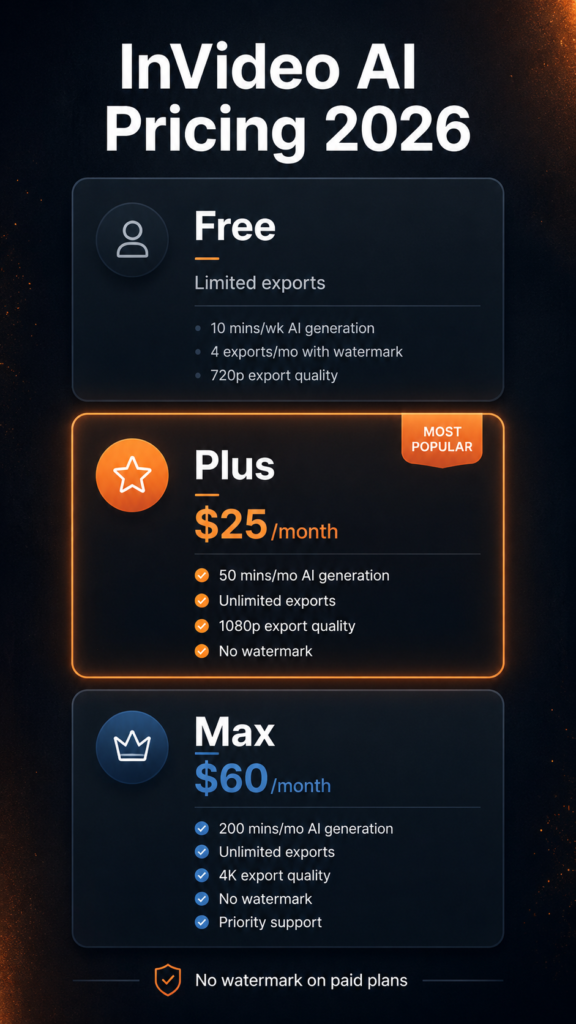
InVideo AI Pricing 2026
- Free: Limited exports with InVideo watermark. Good for testing the platform.
- Plus: $25/month. 50 AI-generated videos per month, no watermark, 80GB storage.
- Max: $60/month. Unlimited AI videos, 400GB storage, team seats, and priority support.
For solo creators publishing two to three videos per week, the Plus plan is sufficient. Teams running multiple channels or clients will need the Max plan for volume and collaboration features.
Visit: invideo.io
InVideo AI for Faceless YouTube Channels
InVideo AI is one of the best tools in a faceless YouTube stack. It handles the most time-consuming part of the workflow: finding footage, assembling it to match the script, and syncing captions. A creator using ChatGPT for scripting, ElevenLabs for narration, and InVideo for video assembly can produce a complete 5-minute video in under 30 minutes of total work time.
The limitation is the stock footage ceiling. For highly specific topics or niche visuals, InVideo will pull generic clips that may not match the script precisely. In those cases, replacing a few clips manually before export takes five to ten minutes but significantly improves the final result.
Visit: elevenlabs.io
InVideo AI vs Pictory
Pictory and InVideo AI are the two most direct competitors in the script-to-video space. InVideo AI has a more modern interface and better AI prompt understanding. Pictory is stronger for turning long-form blog posts and articles into videos automatically. For creators starting from a script, InVideo AI is the better choice. For repurposing written content, Pictory has the edge.
Final Verdict
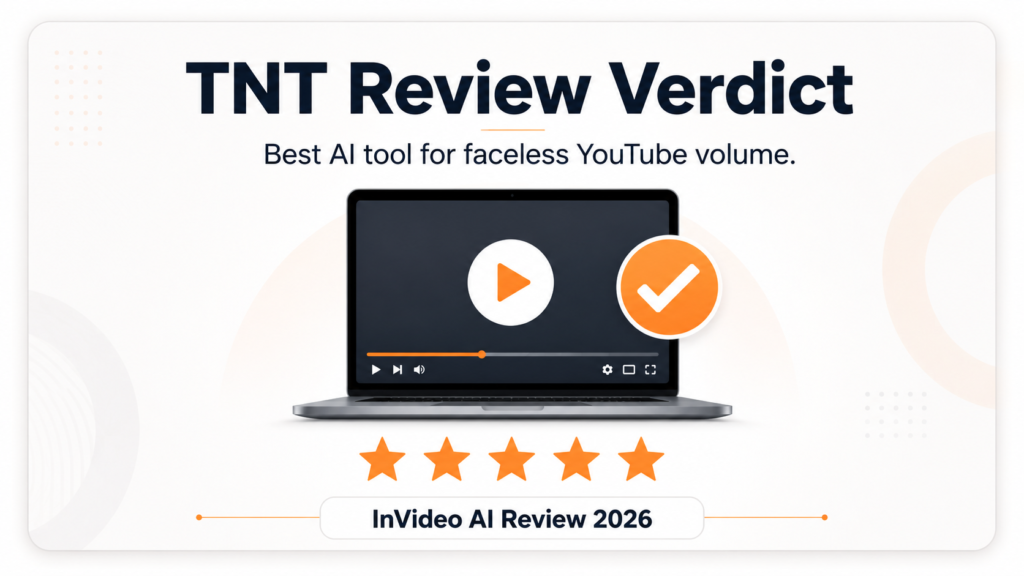
The InVideo AI review 2026 verdict: this is the right tool for creators who need volume without sacrificing consistency. The Plus plan at $25/month delivers enough output for a serious YouTube publishing schedule. The quality ceiling is real, but for the formats that drive the most views on YouTube, such as explainers, listicles, and news-style content, InVideo AI produces results that are fast, clean, and ready to publish with minimal extra work.
If you are building a faceless channel and want to spend less time editing, InVideo AI is a core part of the stack.
*This article contains affiliate links. TNT Review may earn a commission if you purchase through these links at no additional cost to you. We only recommend tools we have personally tested and use.