
Validated by TNT Review — record TNT-TEST-2026-10-04-005, 5 October 2026. Every node, connection and expression in this template was checked against n8n’s own workflow validator: 0 errors. This was not run end-to-end against a live mailbox or live feed — see Verification for exactly what that does and doesn’t prove.
The problem
Checking the same few sites or blogs for updates by hand, every day, is exactly the kind of repetitive task automation exists for — but building that first real workflow from a blank canvas, including the parts that are easy to get wrong (filtering to only NEW items, formatting a readable email), takes longer than it should for something this common.
Expected outcome
By the end of this guide you will have a ready-to-import n8n workflow that checks any RSS feed every morning, keeps only what’s new in the last 24 hours, and emails you a short digest with links — plus an understanding of each node well enough to adapt it to a different feed or schedule.
Requirements and costs
- A running n8n instance (the free self-hosted version or n8n Cloud’s free trial both work).
- An RSS feed URL — most blogs and news sites publish one, often at
/feedor/rss.xml. - SMTP email credentials to send the digest (a free Gmail app password works for personal use).
- Cost: free. No paid API, no subscription.
What’s in the template
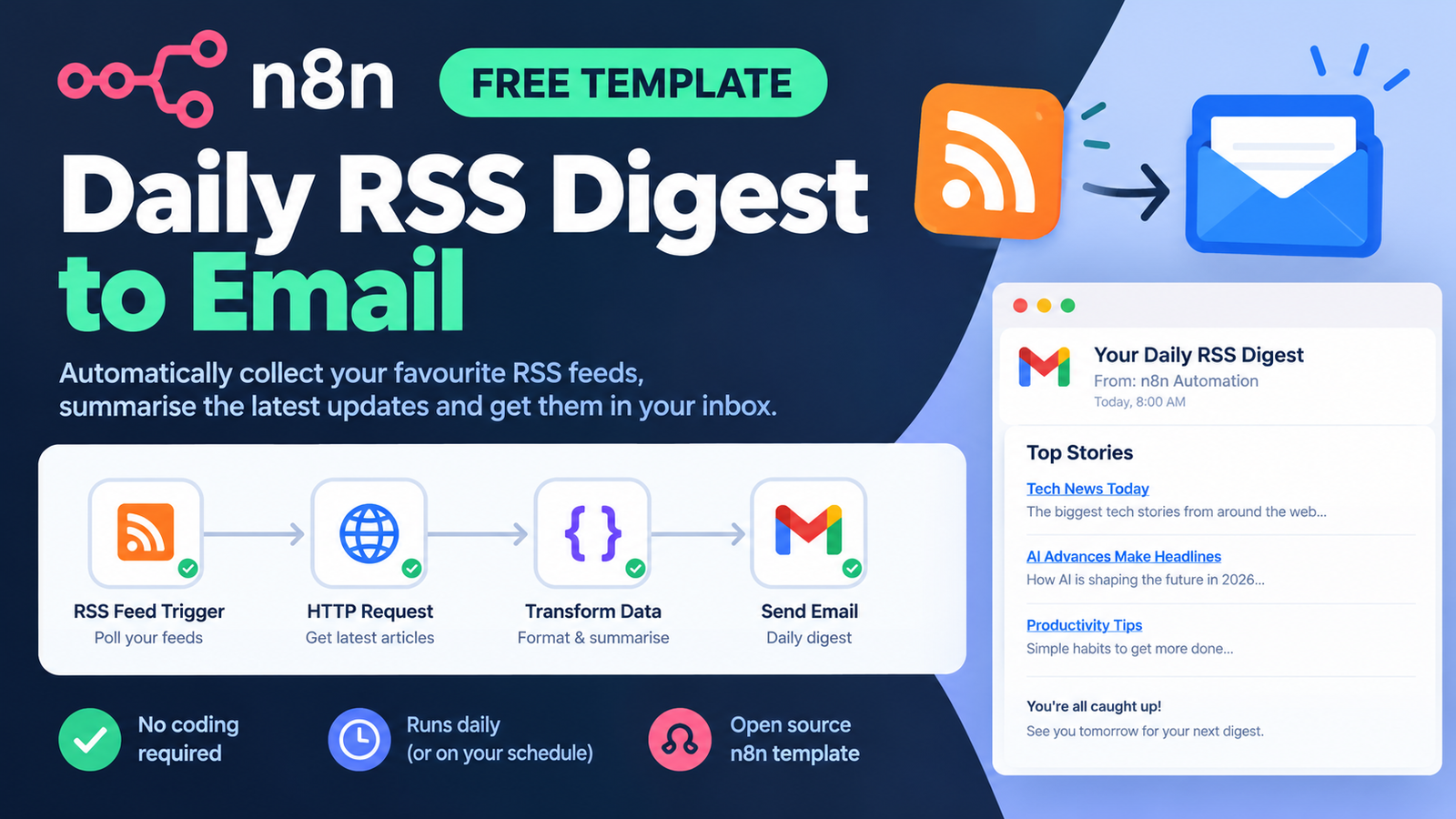
- Every Morning (Schedule Trigger) — runs daily at 8am; change the cron expression to suit you.
- Read RSS Feed (RSS Read) — fetches every item currently in the feed.
- Only Last 24h (Filter) — keeps only items whose publish date is within the last day, so you don’t get the same old posts every morning.
- Build Digest (Code) — turns the kept items into one tidy HTML list.
- Send Digest Email (Send Email) — emails you the list, with the item count in the subject line.
Step-by-step implementation
- Download the template from the link below.
- In n8n, go to Workflows → Import from File, and choose
rss-digest-email.json. - Open “Read RSS Feed” and replace the placeholder URL with your real feed.
- Open “Send Digest Email” and set your real From/To addresses and attach your SMTP credential (n8n’s credential manager keeps this out of the workflow file itself).
- Adjust the schedule in “Every Morning” if 8am Brisbane/local time isn’t what you want.
- Activate the workflow and wait for the next scheduled run, or click “Execute Workflow” to try it immediately.
A real example
With a feed that has 3 items published in the last day, the digest email’s body looks like this:
<ul>
  <li><a href="https://example.com/post-a">Post A title</a></li>
  <li><a href="https://example.com/post-b">Post B title</a></li>
  <li><a href="https://example.com/post-c">Post C title</a></li>
</ul>
with a subject line of “Your daily digest: 3 new item(s)”. If nothing new was published, the Code node still returns a single item (marked skip: true) rather than erroring, so you can see at a glance in n8n’s execution log that the run found nothing, not that it failed.
Verification and troubleshooting
What we actually checked, on 5 October 2026 (record TNT-TEST-2026-10-04-005): the workflow’s 5 nodes, 4 connections and 4 expressions were run through n8n’s own validator, which reported 0 errors (3 advisory warnings about optional error-handling, nothing that blocks the workflow from running). We did not execute it end-to-end with a real feed and a real mailbox, so this confirms the workflow is correctly built, not that it needs zero adjustment for your specific feed’s field names.
Troubleshooting:
- No items ever come through. Check that your feed actually publishes an
isoDatefield (most do) — open “Read RSS Feed” and run it on its own to see the raw item structure, and adjust the “Only Last 24h” condition if your feed uses a different date field name. - The email never arrives. Test your SMTP credential on its own first (n8n’s credential screen has a “test” option for many providers) before blaming the workflow.
- Every item comes through every day, not just new ones. Some feeds don’t update their publish date when republishing; this template filters on publish date, not a “seen before” list, so a feed with stale dates will need a different dedupe approach (for example storing seen links somewhere and filtering against that instead).
Limitations and alternatives
This filters by publish date, not by a permanent record of what you’ve already seen, so a feed that republishes old items with a fresh timestamp will resend them. It also assumes one feed per workflow; for several feeds, duplicate the “Read RSS Feed” + “Only Last 24h” pair for each one before the single “Build Digest” step, or use an RSS reader that merges multiple feeds for you and point this at that instead.
Free resources
The download contains the ready-to-import workflow and a short setup README.
Download the RSS digest template (ZIP, 2 KB)
Is there a paid version?
Not yet. This is the complete method. TNT Review has sold nothing to date and has no checkout, so any price we discuss in future should be read as a hypothesis, not an offer.