
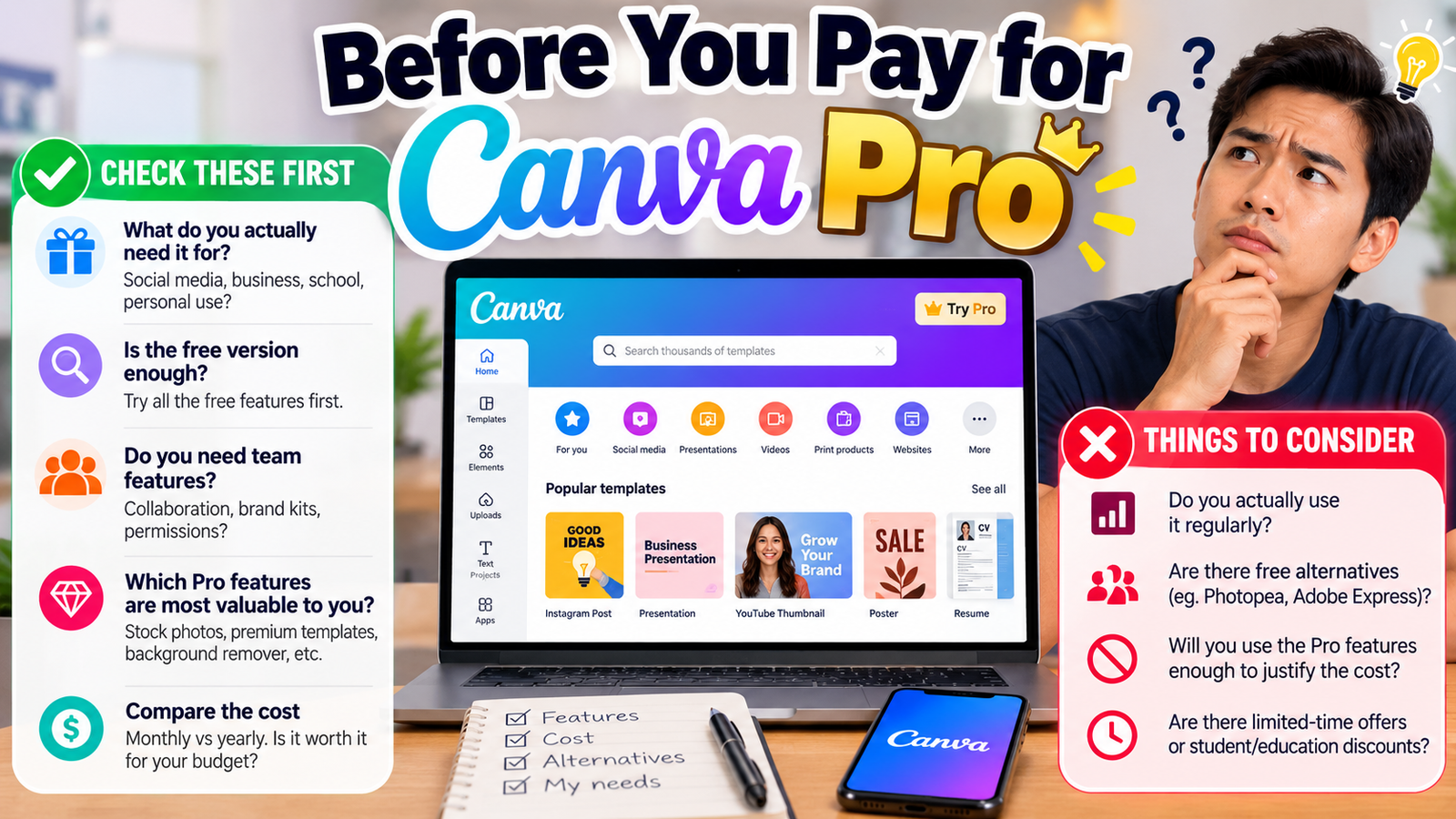
Pay for Canva Pro if you need 100GB of cloud storage, access to Affinity with AI, and millions of templates for USD $144/yr. Stay on the free plan if you only require basic editing capabilities and do not mind strict storage limits.
What the free tier actually gives you
The Free plan provides 5GB of cloud storage for one person at USD $0/yr.
You also receive up to 20 Standard or Premium AI uses along with 1 Brand Kit restricted to 3 colors only.
Our read: The free tier offers enough capability to test basic social posts and simple documents without spending money. However, the three-color restriction on the single Brand Kit forces manual color selection for every new project. Hitting the storage limit of five gigabytes means you will need to delete older assets before uploading large video files. Treat this tier as a temporary test environment rather than a permanent workspace for active design work.
- Cloud storage: 5GB
- AI uses: Up to 20 Standard or Premium
- Brand Kit: 1 kit with 3 colors only
What paying actually unlocks
Pro unlocks AI tools including resize, translate, and remove background.
You gain access to 3.6M+ templates including premium options, alongside 141M+ premium photos, videos, graphics, and audio.
The tier provides 5 Brand Kits, social content scheduling, ad insights, AI ad creation, 100GB of cloud storage, and access to Affinity with AI.
Upgrading to Pro eliminates the asset friction found on the free tier by opening access to over one hundred forty million stock elements. The inclusion of social content scheduling allows you to manage publishing workflows directly from your design dashboard. Business and Enterprise plans exist for collaborative environments, but do not buy those higher tiers if you are a solo user. Focus purely on the Pro tier unless you manage an entire corporate department requiring custom permissions.
- AI tools: Resize, translate, remove background
- Templates: 3.6M+ including premium
- Stock assets: 141M+ premium photos, videos, graphics, and audio
- Brand management: 5 Brand Kits
- Publishing: Social content scheduling, ad insights, and AI ad creation
- Storage and software: 100GB of cloud storage and access to Affinity with AI
Current verified pricing
Free is priced at USD $0/yr for one person.
Pro costs USD $144/yr for one person.
Business is USD $250/yr per person.
Enterprise pricing is custom by contacting sales.
Billing options include monthly and yearly cycles. Calculate your annual output before committing to the yearly fee of one hundred forty-four dollars to ensure your design volume justifies the upfront cost. Monthly billing remains available if you prefer flexibility over the annual commitment. Avoid paying for Business unless you specifically require multi-person organizational controls.
- Free: USD $0/yr for one person
- Pro: USD $144/yr for one person
- Business: USD $250/yr per person
- Enterprise: Custom pricing via sales contact
Limitations worth knowing before you pay
Each plan includes everything in the previous plans plus more.
Even with Pro, you remain locked into the platform ecosystem for complex asset management. Verify that your workflow relies heavily on stock libraries and automated background removal before subscribing, because casual users rarely touch the millions of included templates. Make sure you check your current project file sizes against the one hundred gigabyte limit if you work extensively with raw video footage.
- Progressive feature inheritance from previous tiers
Who should pay
Pro suits creators who need automated background removal and translation tools for daily content production.
Social media managers who require social content scheduling and ad insights should upgrade to Pro.
Open your active project folders right now and count how many times you manually remove image backgrounds in a week. If the answer is more than five times, the subscription pays for itself in saved hours. Lock in the yearly plan only if your content calendar runs twelve months straight without pause.
- Daily content creators needing background removal and translation
- Social media managers using content scheduling and ad insights
- Designers requiring access to Affinity with AI and 100GB storage
Who should stay on free
Hobbyists who design graphics occasionally can rely on the free tier.
Users who only need a single Brand Kit with three colors should remain on the free plan.
Resist the upgrade if you only open the application once a month to make a birthday flyer. The free tier handles basic text adjustments and simple shapes adequately without requiring financial commitment. Do not buy Pro just to unlock templates you will never browse.
- Occasional hobbyists with low design volume
- Users satisfied with 5GB of cloud storage
- People who rarely use AI tools or stock libraries
The decision, simply
Open your billing settings and check your historical software expenses. Subscribe to Pro for USD $144/yr if background removal tools and social scheduling solve active bottlenecks in your daily publishing routine. Keep your credit card in your wallet and stick with the Free tier if your graphic design needs are occasional and simple.
- Step 1: Open your current Canva account and check your storage usage.
- Step 2: Count your monthly published social posts to see if scheduling is necessary.
- Step 3: Choose the Pro annual plan if you exceed free storage or AI limits.
Prices are as published by the vendor in US dollars. What you pay locally may differ once tax and currency conversion are applied.
How we verified this
Evidence level: Researched from official sources. TNTReview did not test this product directly. Every factual claim above comes from the official sources listed here.
- Canva official site, checked 2026-09-20 (1 fact on this page)
- Canva pricing page, checked 2026-09-20 (6 facts on this page)
What we could not confirm: the official pages we checked did not state the usage limits that apply, the cancellation terms. Rather than estimate, we left it out of this article.
Last verified: 2026-09-24