
Canva brand kit or fonts not applying: what to check

Fix missing Canva brand kits and unapplied fonts with this direct troubleshooting guide covering browsers, mobile apps, and official support paths.
Fix missing Canva brand kits and unapplied fonts with this direct troubleshooting guide covering browsers, mobile apps, and official support paths.

Compare Canva and Figma for your design workflow. Discover which platform wins for marketing graphics versus software prototyping, pricing, and specific use cases.
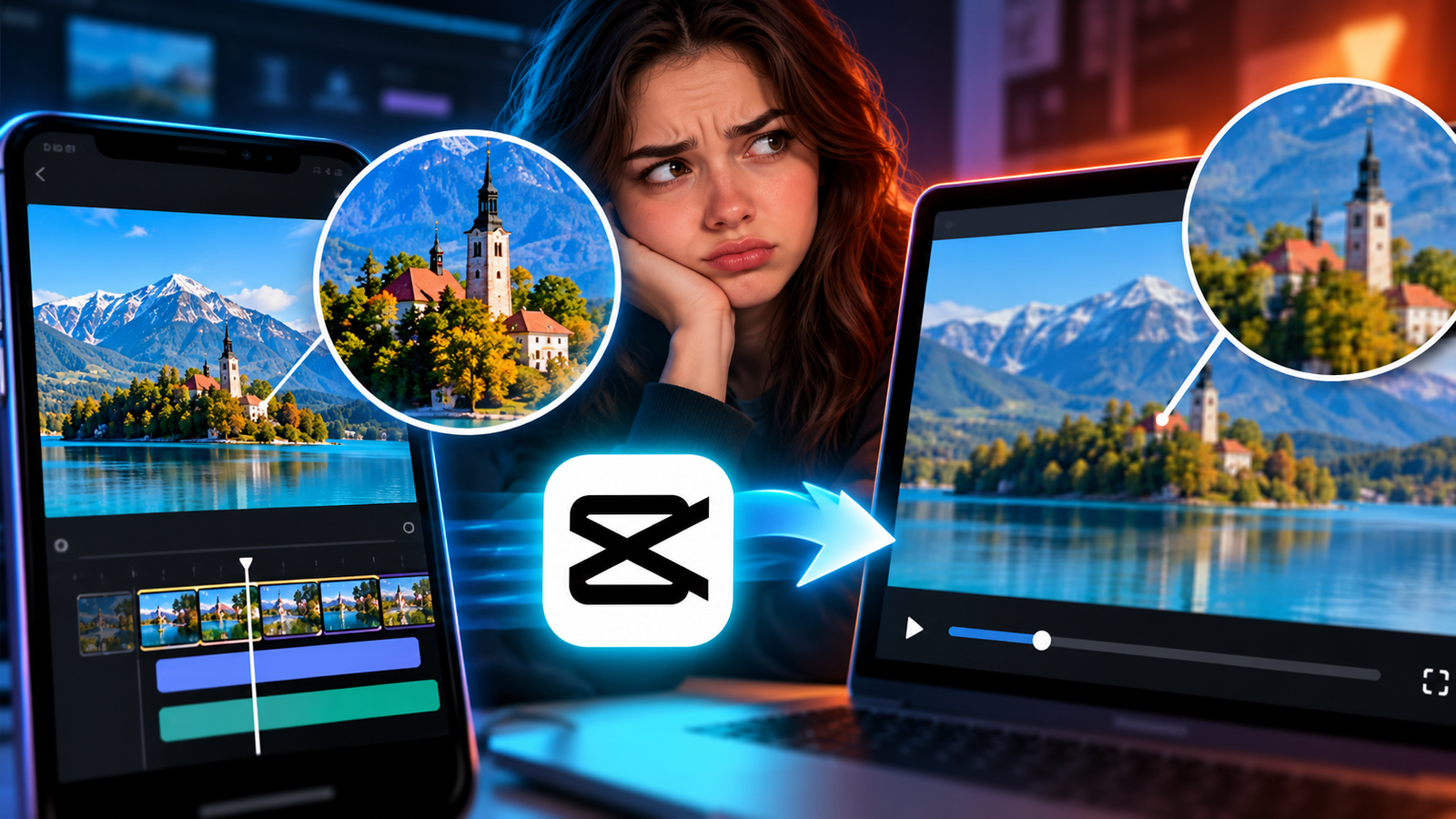
Fix blurry or pixelated video exports in CapCut by adjusting your resolution, bitrate, and frame rate settings to match your source files.
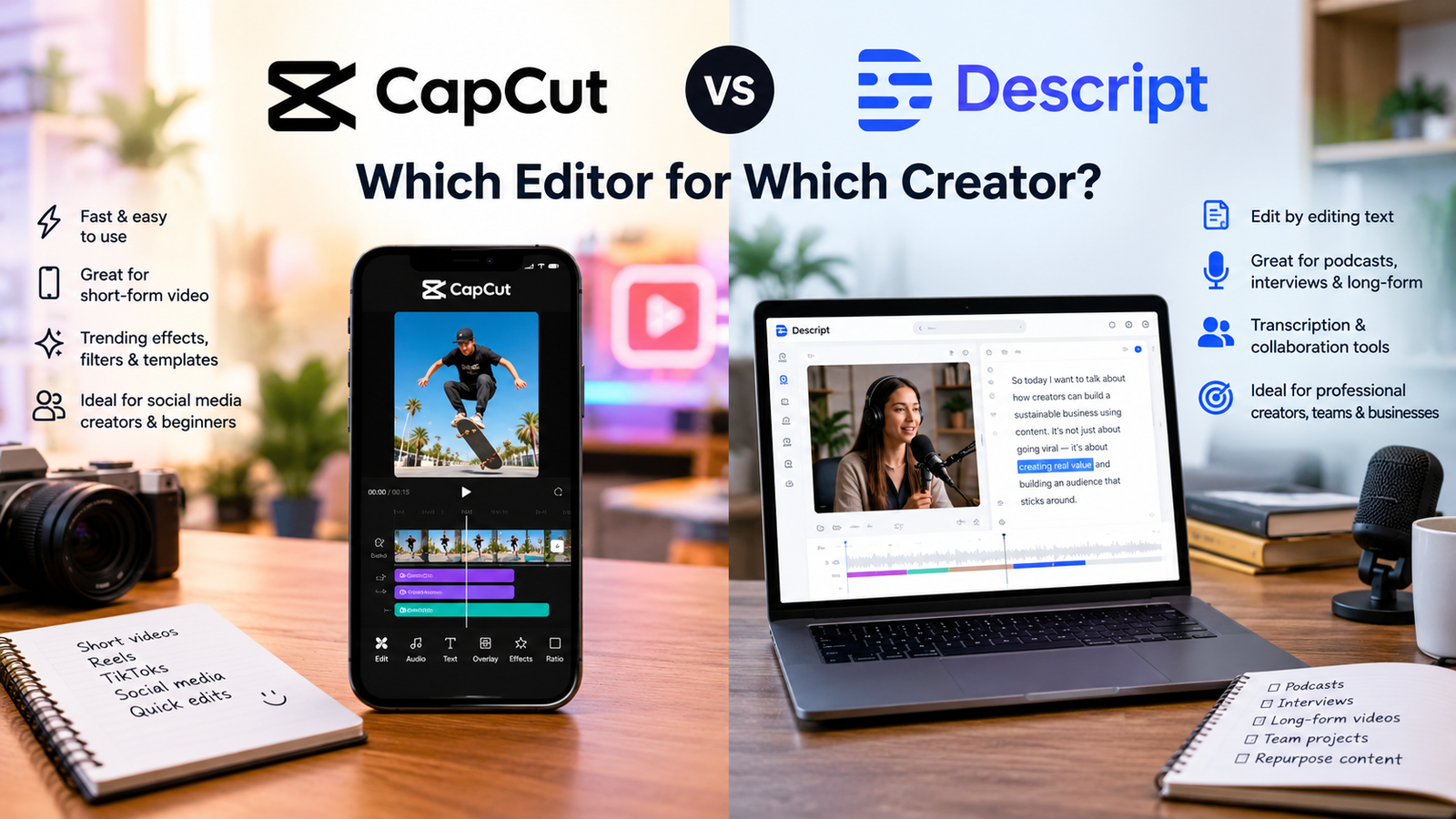
Compare CapCut and Descript to find the ideal video editor for your workflow, whether you need trending visual effects or fast transcript-based dialogue editing.
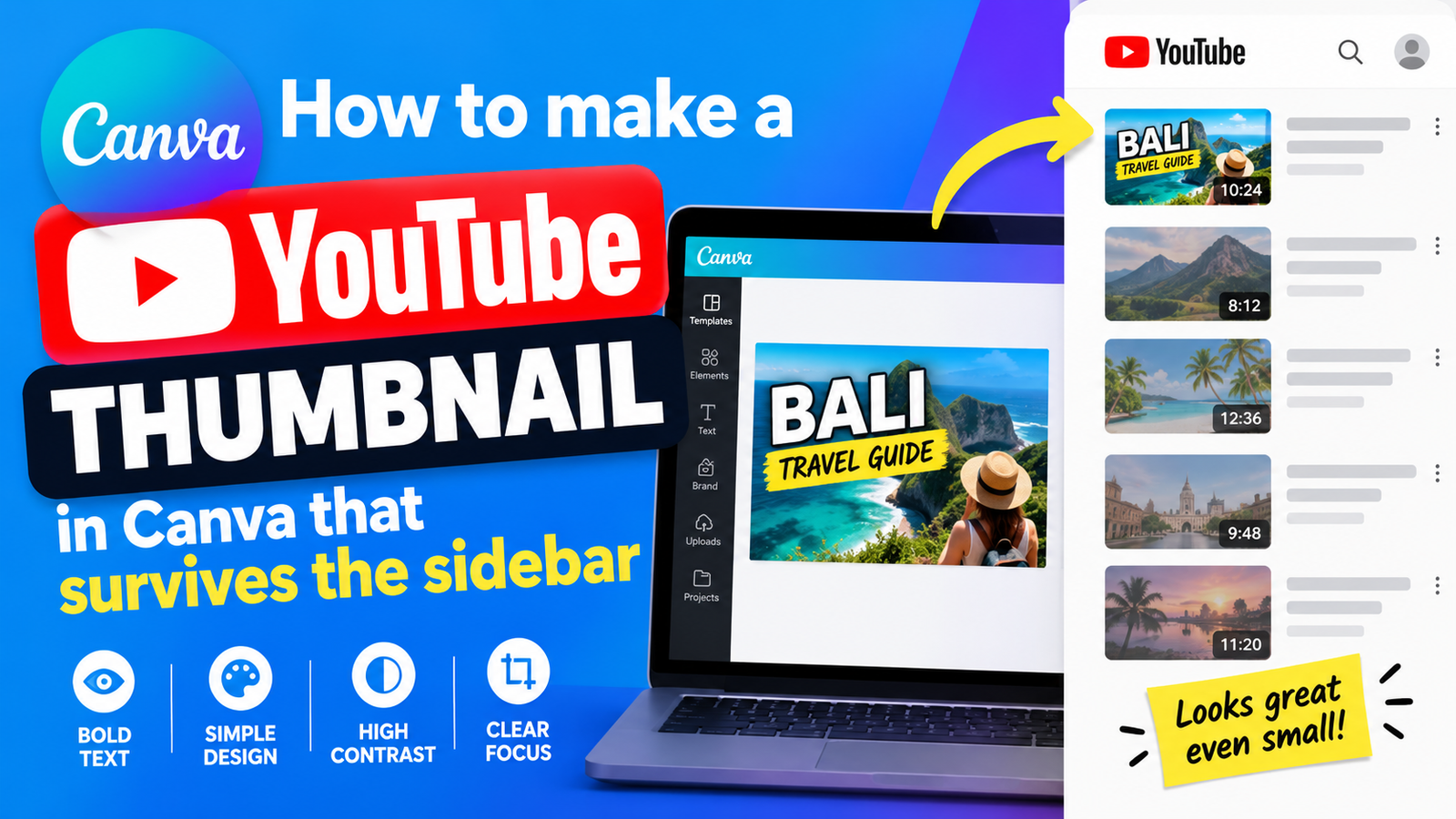
Learn how to build a clear YouTube thumbnail inside Canva that remains legible when shrunk down inside crowded video sidebars.
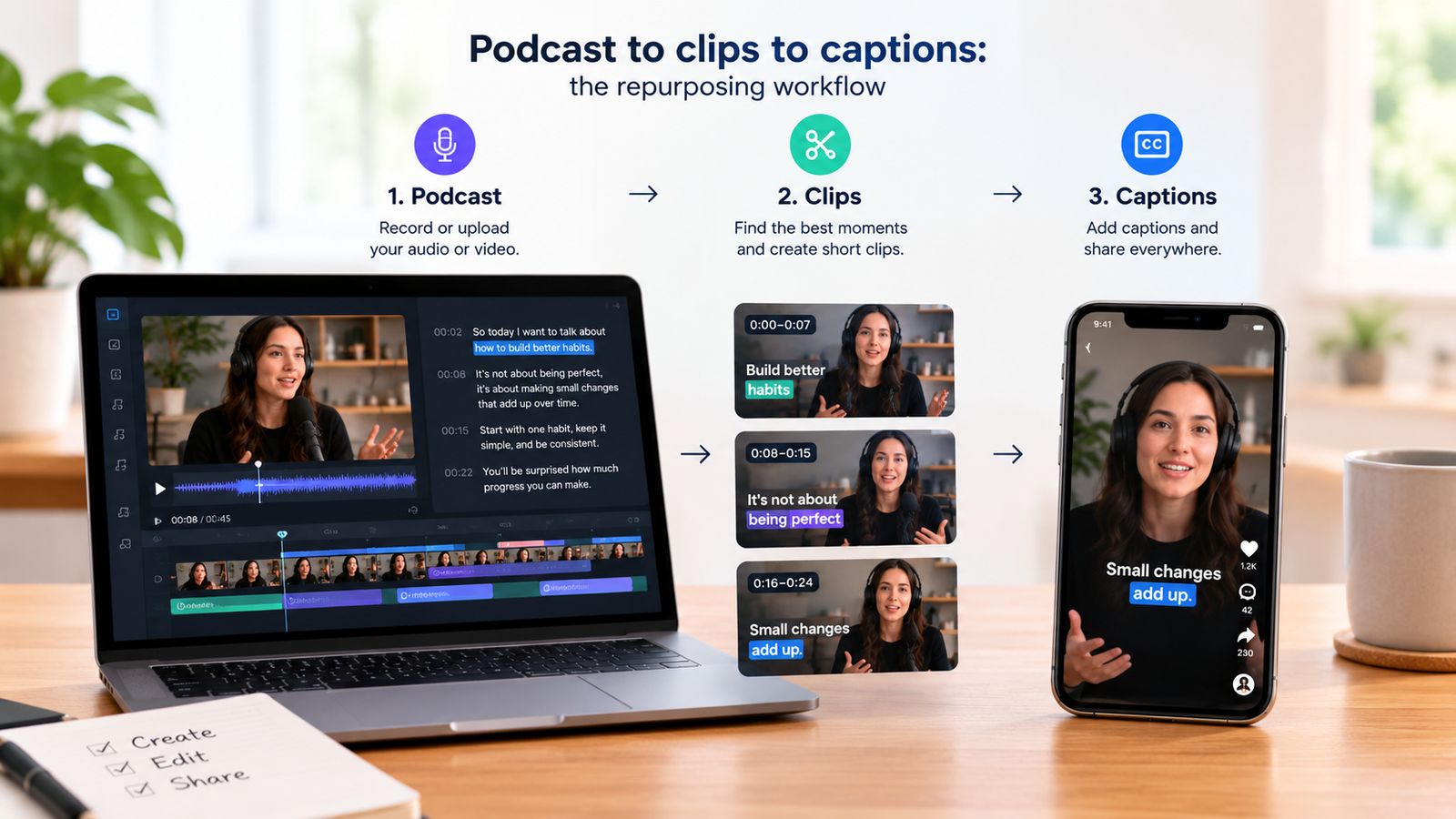
Turn long podcast recordings into engaging vertical video clips complete with automated captions using a streamlined two-tool editing workflow.
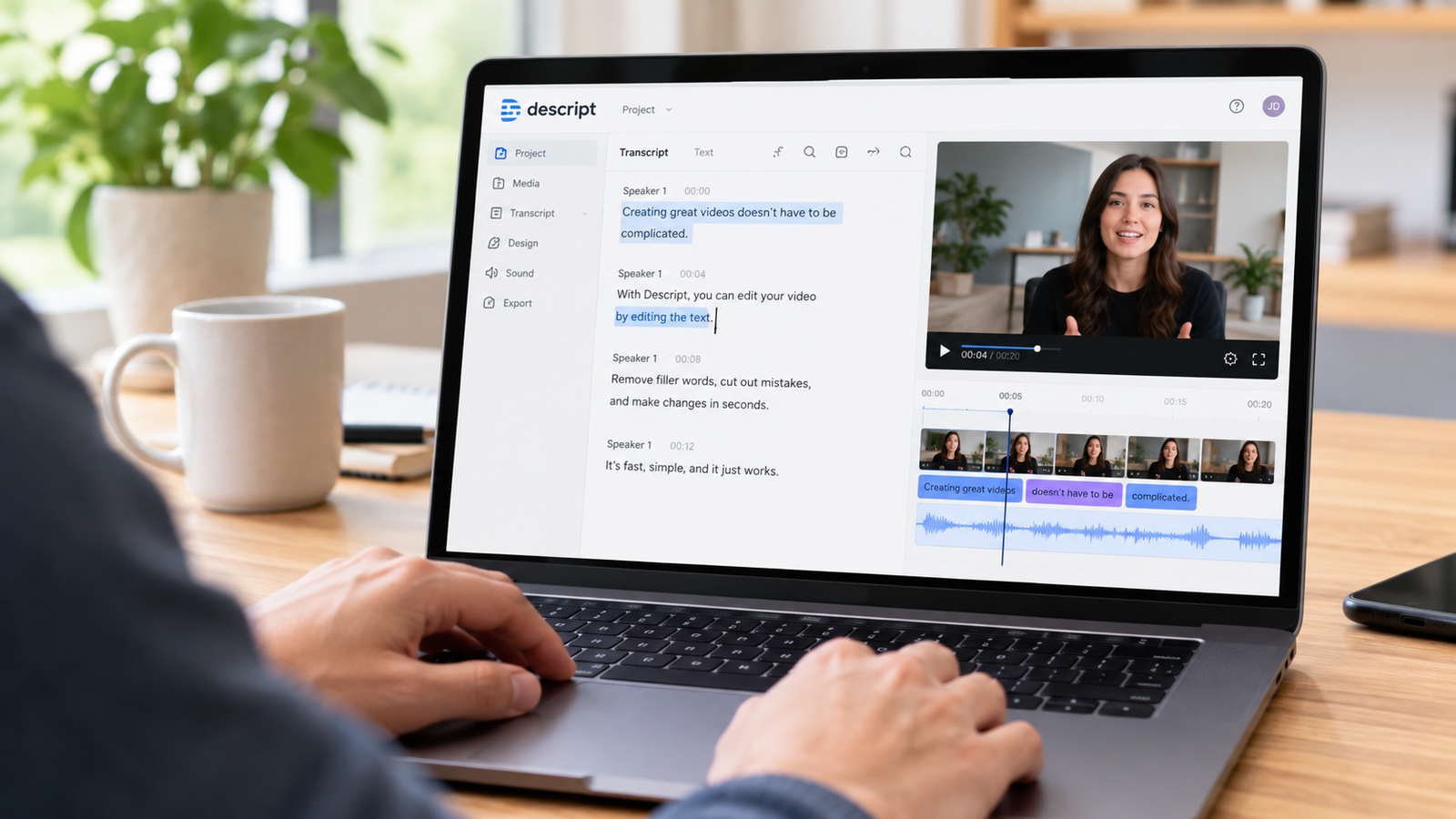
Discover if Descript is right for your video and audio editing workflow by exploring its text-based editing features, verified pricing tiers, limits, and ideal use cases.
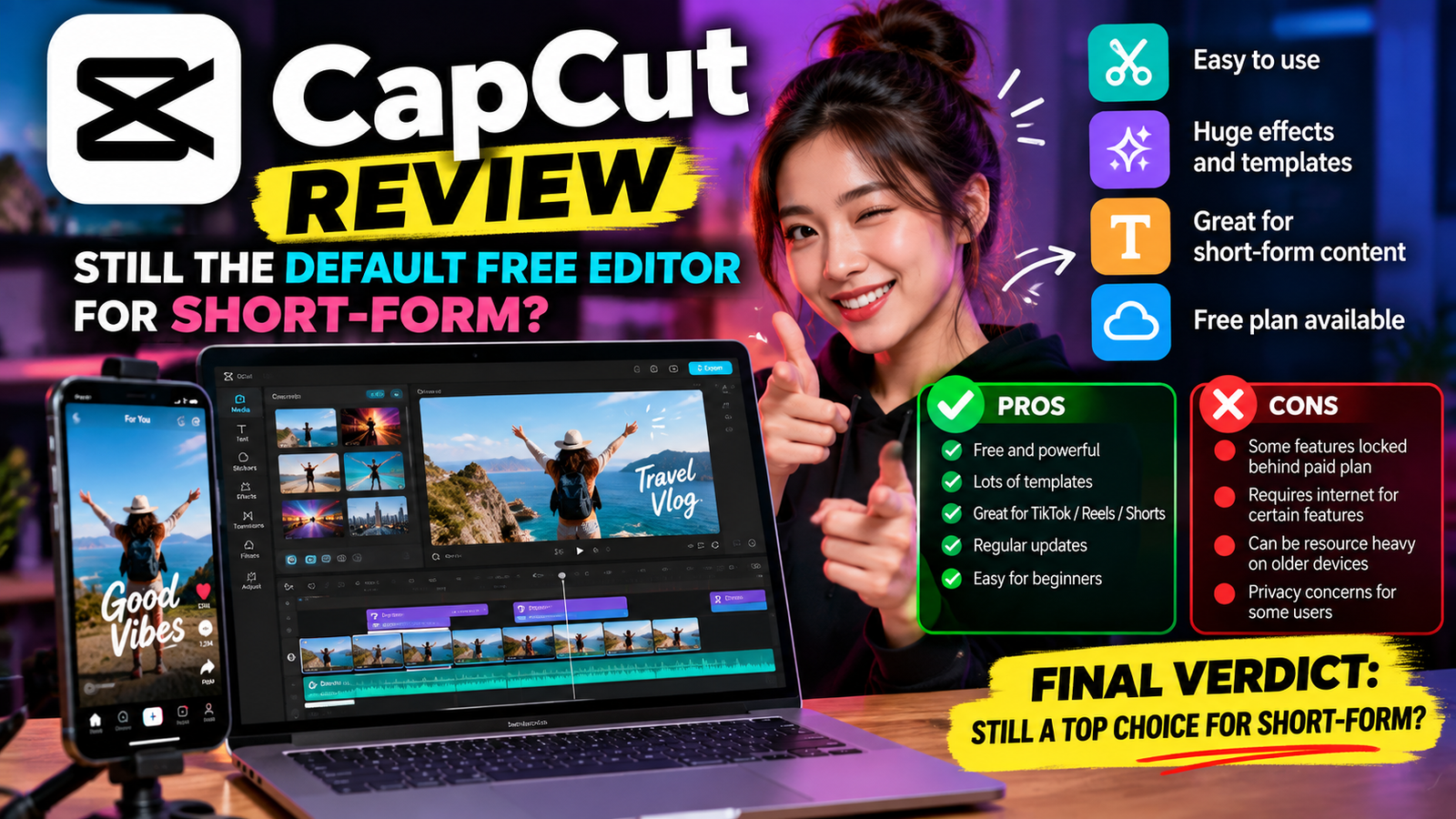
Discover whether CapCut remains the default free choice for creating trending short-form video content on YouTube and Instagram today.
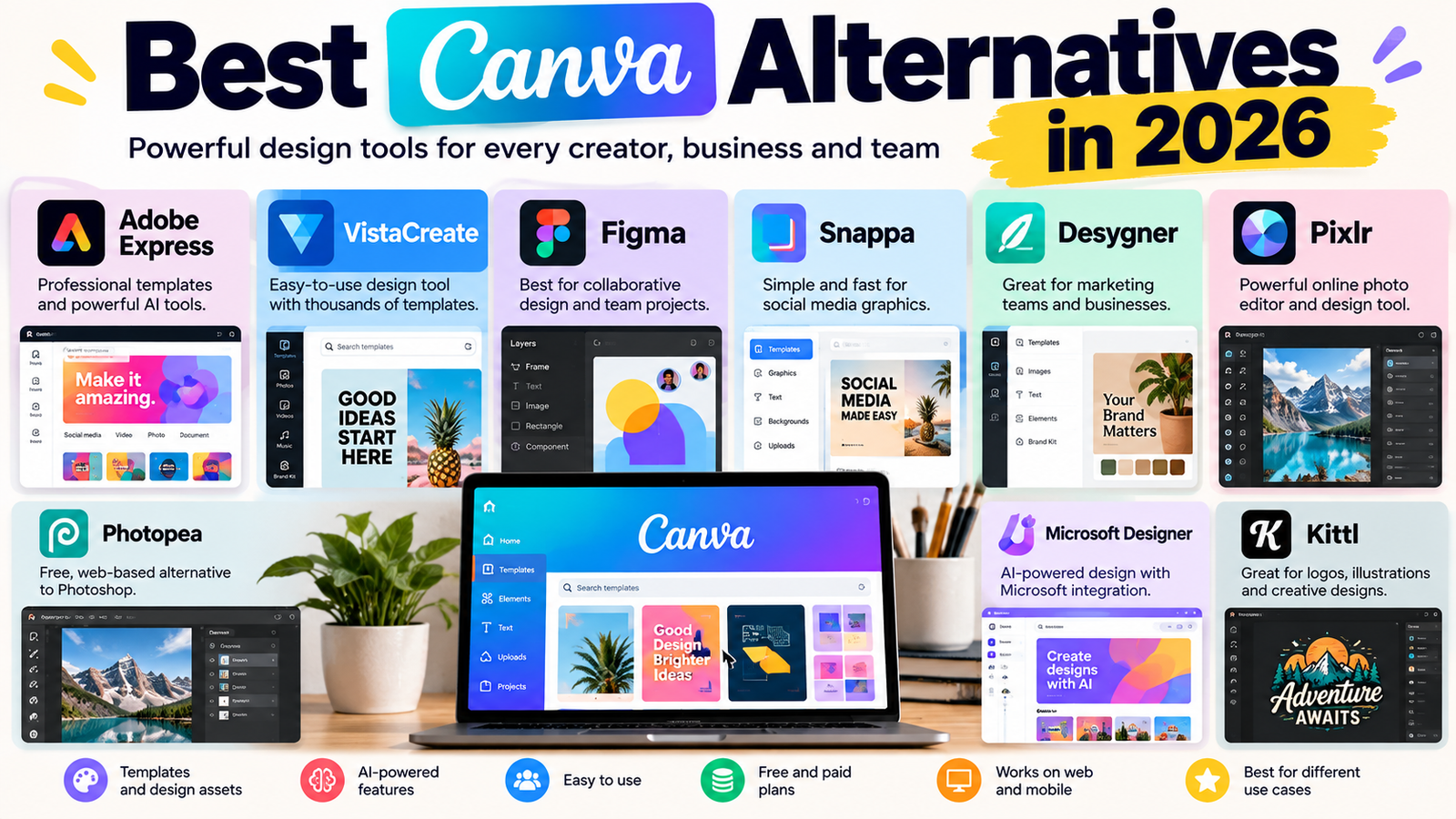
Discover the best Canva alternatives and pricing details for design platforms to help you choose the right visual suite for your social posts and presentations.
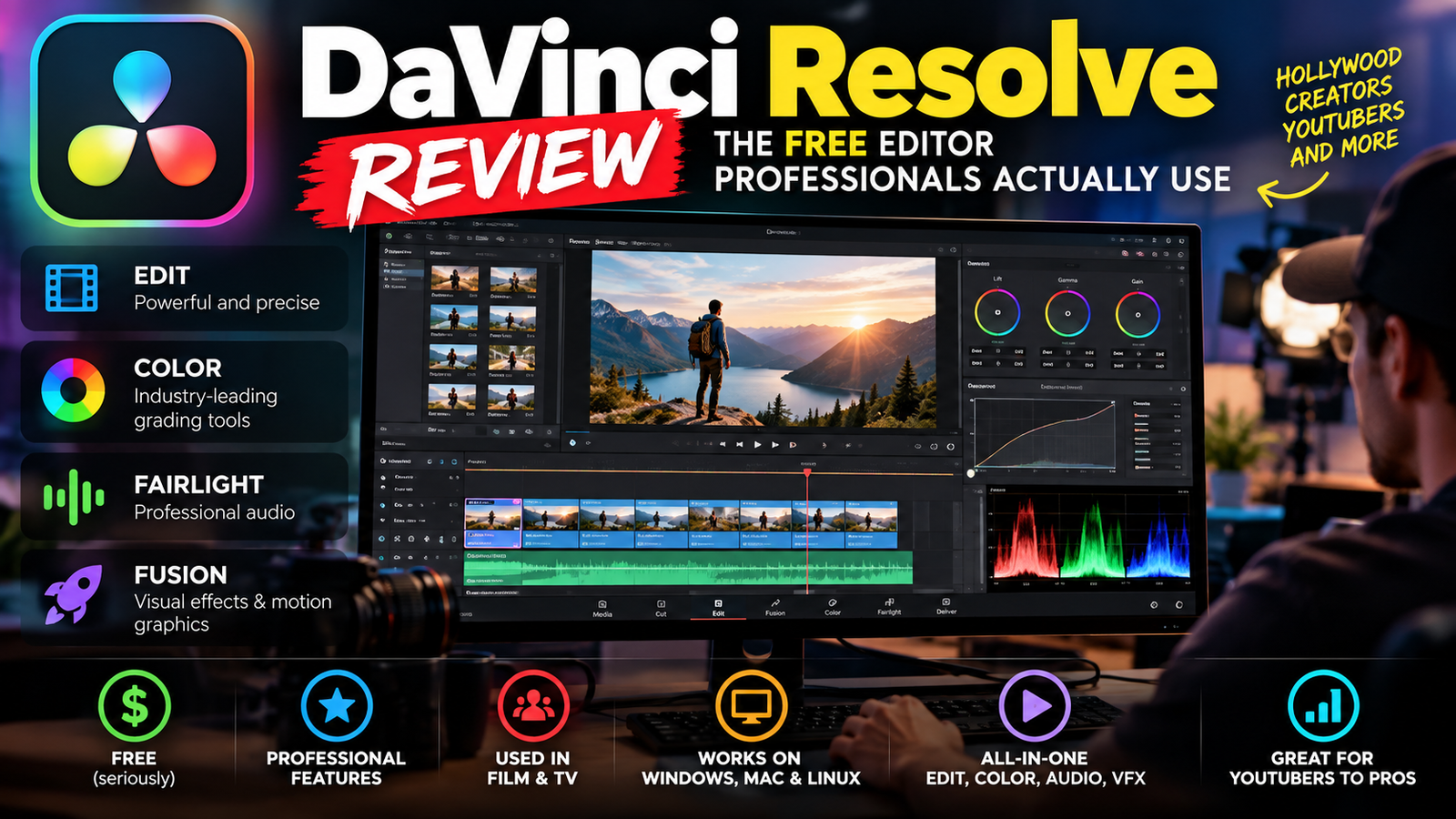
Discover how DaVinci Resolve combines professional editing, color grading and audio tools in one powerful suite, and find out whether to choose the free version or the paid studio license.