This article may contain affiliate links. If you purchase through these links, I may earn a small commission at no extra cost to you.
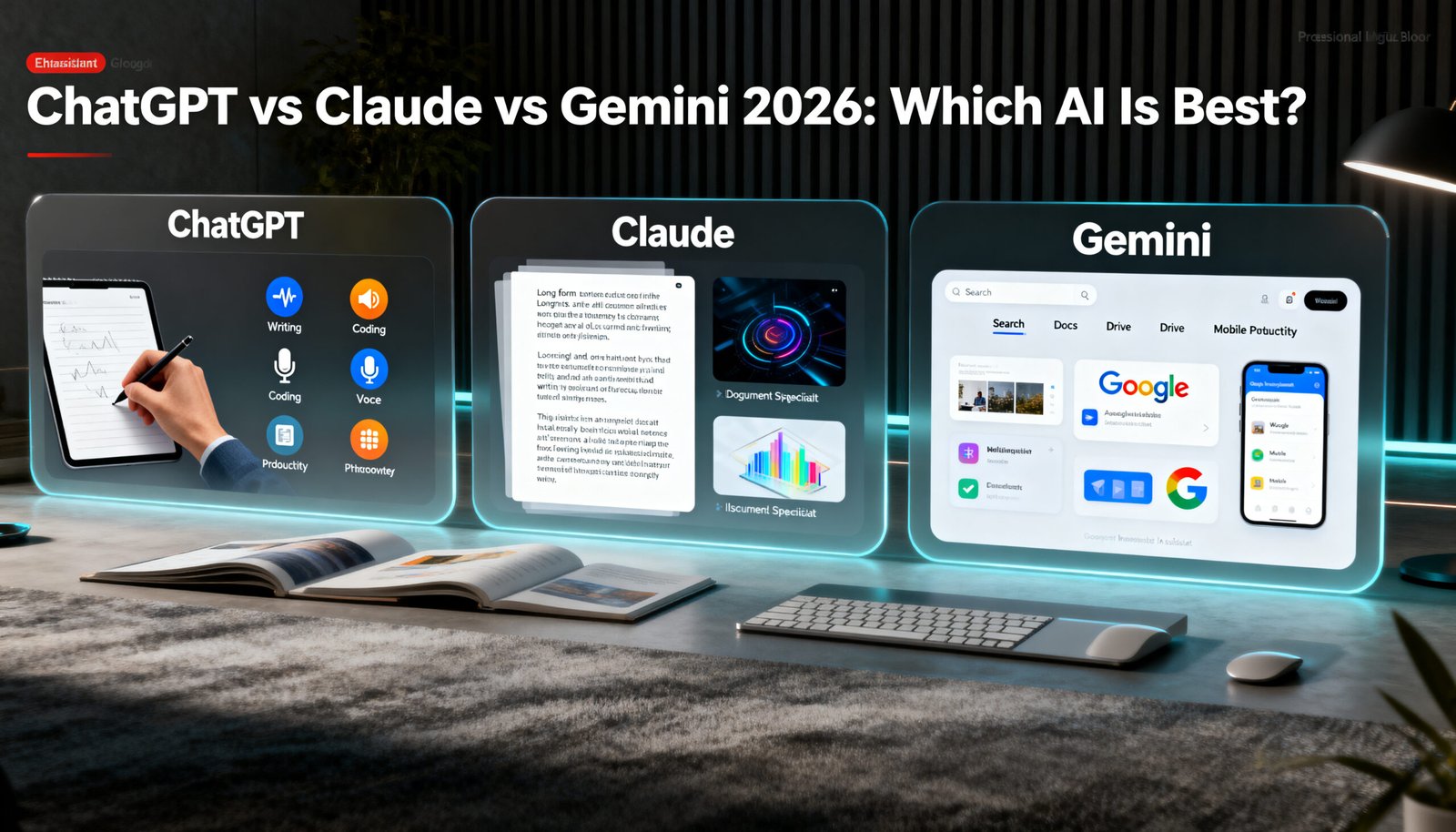
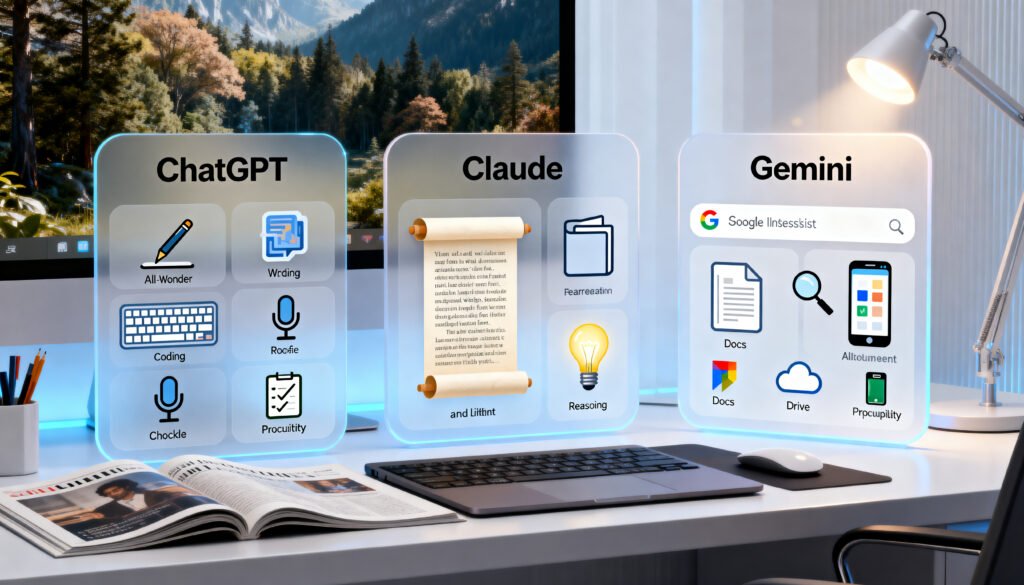
ChatGPT vs Claude vs Gemini 2026: the best AI tool depends on your workflow. ChatGPT is still the strongest all-rounder for many people. Claude is excellent for long-form writing, careful document work, and natural prose. Gemini is especially useful for people who already work inside Google Search, Gmail, Docs, Drive, YouTube, Android, or Google Workspace.
That is the simplest way to understand the comparison.
There is no single winner for everyone. The best choice depends on whether you care most about writing, coding, research, long context, voice, Google apps, automation, or everyday productivity.
Quick Verdict
- Choose ChatGPT if you want the best general-purpose AI assistant.
- Choose Claude if you care most about long-form writing, editing, document review, and careful reasoning.
- Choose Gemini if you already use Google apps heavily and want AI closer to your daily Google workflow.
For many serious users, the best answer may be to use more than one. ChatGPT can be the central assistant, Claude can be the writing and document specialist, and Gemini can support Google-connected research and productivity.
What Are ChatGPT, Claude, and Gemini?
ChatGPT is OpenAI’s AI assistant. It is widely used for writing, coding help, research, brainstorming, file work, image-related tasks, voice features, and general productivity.
Claude is Anthropic’s AI assistant. It is often popular with users who want strong writing, careful editing, document analysis, coding support, and a more natural tone.
Gemini is Google’s AI assistant and model family. It is especially interesting for users already working with Google Search, Gmail, Google Docs, Google Drive, Google Workspace, Android, and YouTube.
All three tools can help with common AI tasks, but they feel different in real use.
ChatGPT vs Claude vs Gemini 2026: Main Differences
The biggest difference is not just raw model quality. It is workflow fit.
ChatGPT is the best all-round option for many users because it supports a wide range of tasks inside one familiar interface. It is useful for writing, coding, brainstorming, files, productivity, creative planning, and everyday questions.
Claude often feels strongest when the work involves long text, careful rewrites, document review, and thoughtful explanation. Many users like Claude because the writing style can feel less generic and more natural when prompted well.
Gemini is most useful when Google integration matters. If your daily work already happens inside Google tools, Gemini can feel more convenient than moving everything into another chatbot.
That makes the comparison less about “which AI is smartest” and more about “which AI fits your work.”
Best for Writing
For writing, Claude and ChatGPT are usually the two strongest choices.
Claude can be excellent for long-form writing, rewriting, tone improvement, editing, and document-heavy work. It often feels natural for essays, articles, professional messages, and structured drafts.
ChatGPT is also strong for writing, especially when you need outlines, blog drafts, social media captions, emails, scripts, ad copy, and different versions of the same idea.
Gemini can help with writing too, especially if your source material is already in Google Docs or Gmail. Its main advantage is convenience inside the Google ecosystem.
Practical verdict:
- Claude is often best for polished writing and long documents.
- ChatGPT is best for flexible everyday writing.
- Gemini is best for Google-connected writing tasks.
Best for Coding
For coding, all three tools can help, but none should replace proper testing.
ChatGPT is very useful for explaining code, debugging, generating scripts, working with APIs, and helping beginners understand technical problems.
Claude is also strong for coding support, especially when reviewing larger code snippets, explaining logic, and helping with structured problem-solving.
Gemini can be useful for coding too, especially for users working with Google tools, Google APIs, Android-related tasks, or long technical documents.
The main rule is simple: never trust AI-generated code without testing it.
AI tools can produce code that looks correct but fails in practice. If the code affects a website, automation workflow, customer data, payment system, or business process, test it carefully before using it.
Best for Research and Current Information
For research, the winner depends on access to live information and source checking.
ChatGPT can be useful for research planning, summaries, comparisons, and structured explanations. Depending on your plan and feature access, it may also support browsing or research-style workflows.
Gemini is strong for Google-connected workflows and can be useful for search-related research tasks, especially if you already use Google tools.
Claude can be very good for analysing documents, summarising long material, and helping with careful reasoning, but users should still verify facts from primary sources.
For serious research, the safest approach is to use AI as a research assistant, not the final authority.
Always check official sources, especially for pricing, product availability, laws, health, finance, software features, and recent news.

Best for Long Documents and Context
Context window means how much information an AI tool can consider at once.
A larger context window can help when working with long documents, transcripts, codebases, research files, or multiple notes. However, a bigger context window does not automatically mean better answers.
Gemini is well known for long-context capabilities. Google says Gemini in Pro has a 1 million-token context window, and Google’s developer documentation describes Gemini models with context windows of 1 million or more tokens.
Claude is also popular for document work and long-form editing.
ChatGPT can handle many everyday file and document tasks well, but users working with very large files may want to compare limits before choosing a paid plan.
Practical verdict:
- Gemini is strong for very large context.
- Claude is strong for document review and writing.
- ChatGPT is strong for everyday file and productivity tasks.
Best for Google Users
Gemini is the clear winner for people who live inside Google’s ecosystem.
If you regularly use Gmail, Google Docs, Google Drive, Google Sheets, YouTube, Android, and Google Workspace, Gemini can feel more natural than other AI tools.
The biggest advantage is convenience.
Instead of moving everything between platforms, Gemini can support work closer to the tools many people already use every day.
For Google-heavy users, Gemini is worth testing before paying for another AI subscription.
Best for Everyday Productivity
For everyday productivity, ChatGPT is still the easiest recommendation for many users.
It is flexible enough to help with:
- Emails
- Planning
- Writing
- Brainstorming
- Summaries
- Coding help
- Learning
- Research planning
- Creative ideas
- Document work
- Personal productivity
Claude and Gemini can do many of these things too, but ChatGPT remains the strongest “one tool for many jobs” option for a lot of people.
Pricing and Plans
Pricing changes often, so users should always check official plan pages before subscribing.
OpenAI lists ChatGPT plans on its official pricing page, and OpenAI’s help centre describes ChatGPT Plus as a paid plan with expanded access. Anthropic lists Claude plans on its official pricing page. Google provides Gemini and Google AI subscription information through official Gemini and Google One AI pages.
Do not choose only based on price.
Check:
- Monthly price
- Available plans in your country
- Usage limits
- Model access
- File upload limits
- Voice features
- Image features
- Long context access
- Team or business options
- Privacy settings
- Cancellation rules
- Whether you need one tool or multiple tools
For casual users, a free plan may be enough. For daily users, a paid plan may save time. For business users, team or enterprise plans may be more appropriate.
Pros and Cons of ChatGPT
Pros:
- Strong all-round AI assistant
- Good for writing, coding, brainstorming, and productivity
- Useful for beginners
- Broad feature ecosystem
- Good for mixed daily tasks
- Works well as the centre of an AI workflow
Cons:
- Can still make mistakes
- Writing can sound generic without good prompts
- Some features depend on plan and availability
- Not always the best specialist tool
- Outputs still need human review
Pros and Cons of Claude
Pros:
- Strong for long-form writing and editing
- Good for document analysis
- Often produces natural prose
- Useful for careful reasoning
- Strong for structured explanations
Cons:
- May not be as broad as ChatGPT for every use case
- Feature availability can vary by plan and region
- May not replace specialist image, voice, or automation tools
- Outputs still need checking
Pros and Cons of Gemini
Pros:
- Strong Google ecosystem integration
- Useful for Google Workspace users
- Good long-context capabilities
- Helpful for Gmail, Docs, Drive, Android, and research workflows
- Strong option for Google-heavy users
Cons:
- Best value depends on how much you use Google tools
- Feature access can vary
- Some users may prefer ChatGPT or Claude’s writing style
- Still needs human fact-checking
- May not replace specialist creative tools

Which AI Tool Should You Choose?
Choose ChatGPT if:
- You want one flexible AI assistant for many different tasks.
- You write, code, research, plan, and brainstorm often.
- You want a strong general-purpose starting point.
Choose Claude if:
- You care most about writing quality, long documents, careful editing, and natural tone.
- You work with long text, reports, essays, or professional documents.
Choose Gemini if:
- You already use Google apps every day.
- You want AI closer to Gmail, Docs, Drive, Search, YouTube, Android, or Google Workspace.
- You care about long-context workflows and Google-connected productivity.
The best choice is not the same for everyone.
How They Fit Into a Bigger AI Workflow
For creators, marketers, and small businesses, these AI assistants can work alongside specialist tools.
For example:
- ChatGPT can plan content and generate ideas.
- Claude can polish long-form writing.
- Gemini can support Google-connected research and files.
- Freepik / Magnific can create visuals.
- ElevenLabs can create voiceovers.
- n8n can automate the workflow.
- Blotato can publish social content.
- Hostinger can host the website.
This is the more practical way to think about AI in 2026.
Instead of asking which single AI tool does everything, ask which combination creates the best workflow.
Official Sources Worth Checking
Before subscribing, check the official pages because pricing, plan limits, features, model access, and product availability can change:
OpenAI ChatGPT pricing:
https://openai.com/pricing
ChatGPT capabilities overview:
https://help.openai.com/en/articles/9260256-chatgpt-capabilities-overview
Anthropic Claude pricing:
https://www.anthropic.com/pricing
Anthropic Claude overview:
https://www.anthropic.com/claude
Google Gemini official overview:
https://gemini.google/overview/
Gemini long context:
https://gemini.google/overview/long-context/
Google AI subscriptions:
https://blog.google/products-and-platforms/products/google-one/google-ai-subscriptions/
Final Verdict
ChatGPT, Claude, and Gemini are all useful AI tools in 2026, but they are useful in different ways.
ChatGPT is the best all-rounder for most users.
Claude is excellent for writing, editing, and document-heavy work.
Gemini is strongest for users already inside Google’s ecosystem.
My practical verdict: start with ChatGPT if you want one general AI assistant, add Claude if writing and document quality matter most, and test Gemini if your daily work depends heavily on Google apps.