
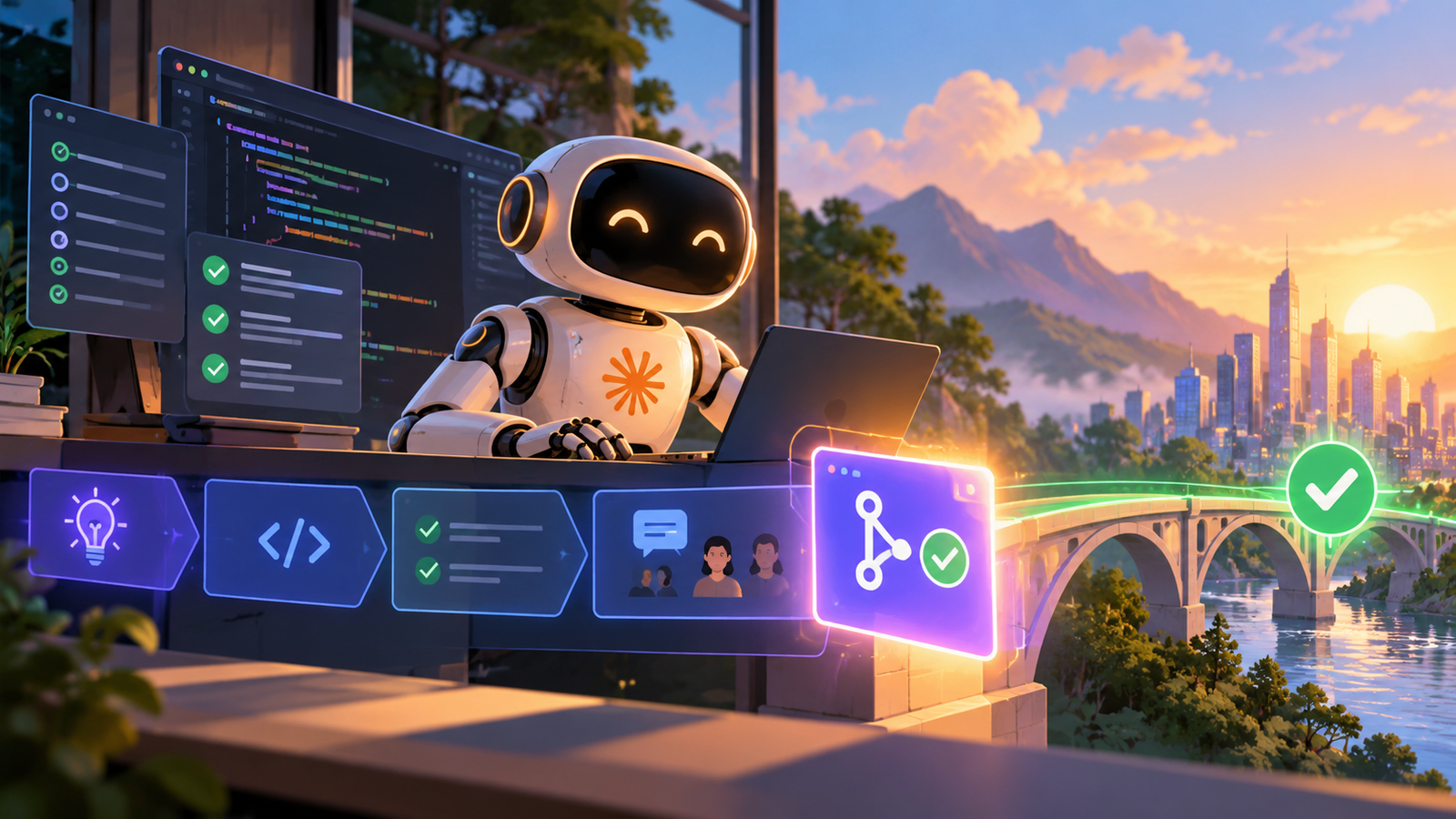
This workflow produces a merged pull request using an AI coding agent that handles bug fixes, tests, refactors, and multi-day migrations directly from your terminal.
Goal
Claude Code by Anthropic is an AI coding agent that runs in the terminal and integrates with your IDE, Slack, or web, handling bug fixes, tests, refactors, and multi-day migrations.
Our read: Your primary objective here is to offload routine code modifications and large repository shifts without leaving the command line interface where you already write and review code. Focus this setup purely on individual developer productivity rather than organization-wide rollouts, keeping higher tiers out of your deployment pipeline entirely.
Set up your local configuration files before invoking the agent to ensure it adheres to your existing repository conventions.
Inputs
Gather your access credentials and repository permissions beforehand so the terminal process does not stall mid-execution when attempting to fetch or push changes.
Ensure your local development setup matches the environment requirements of the repository you plan to refactor or debug.
- A terminal environment configured on your local machine
- An active installation of the terminal agent
- Your standard Integrated Development Environment
Tools
Keep your toolchain minimal by relying directly on the command line interface alongside your primary code editor, avoiding unnecessary third-party extensions that complicate authentication.
Verify that your command line prompt has direct read and write access to the target project directory before starting any refactoring task.
- The terminal interface
- Your Integrated Development Environment
- Slack or web integrations if required for tracking
Steps
Execute each command sequentially, reviewing every generated patch thoroughly before committing it to version control to prevent unwanted side effects across your codebase.
Take your time during the verification phase to run your local test suite independently of the agent’s self-checks.
- Open your terminal application and navigate to the root directory of your target software project repository.
- Launch the command line agent to begin analyzing your codebase for the specified bug fix, refactor, or migration task.
- Review the generated code modifications inside your Integrated Development Environment and run local tests.
- Commit the verified changes and push your branch to open the pull request for final review.
Cost
Evaluate the financial commitment against your personal development output, remembering that team or enterprise tiers add administrative overhead that individual developers do not need.
Monitor your token consumption closely during large multi-day migrations to avoid unexpected usage spikes on your account.
Time
Factor in initial setup duration for authenticating your command line tools and verifying repository permissions before starting active development tasks.
Allocate dedicated blocks of time to supervise multi-day migrations rather than expecting fully autonomous background execution without oversight.
Expected output
Expect a clean, tested set of commits on a new feature branch ready for human code review and final merging into your main production branch.
Check that all modified files match your project style guidelines and pass your continuous integration checks prior to merge.
Common failures
Avoid the common mistake of trusting terminal output blindly without checking your code editor for subtle logic errors introduced during large refactoring runs.
Stop execution immediately if the agent starts modifying unrelated files outside the scope of your current bug fix ticket.
- Failing to supply correct repository permissions before running complex refactors
- Accepting generated code patches without running local test suites
- Attempting massive multi-day migrations without breaking them into smaller tasks
Cheaper alternative
Manual coding combined with standard open source linting tools serves as the primary fallback if you want to avoid paid subscription fees entirely.
Basic command line utilities and standard git workflows require zero financial outlay while maintaining full control over every line of code written.
Who this suits
This tool suits individual developers who spend a significant portion of their working day inside the terminal and want an integrated agent to accelerate repetitive refactoring tasks.
Skip this solution if you work exclusively within heavy graphical user interfaces and rarely use command line tools for your day-to-day software development.
How we verified this
Evidence level: Researched from official sources. TNTReview did not test this product directly. Every factual claim above comes from the official sources listed here.
- Claude Code official site, checked 2026-10-01 (1 fact on this page)
Last verified: 2026-10-01