
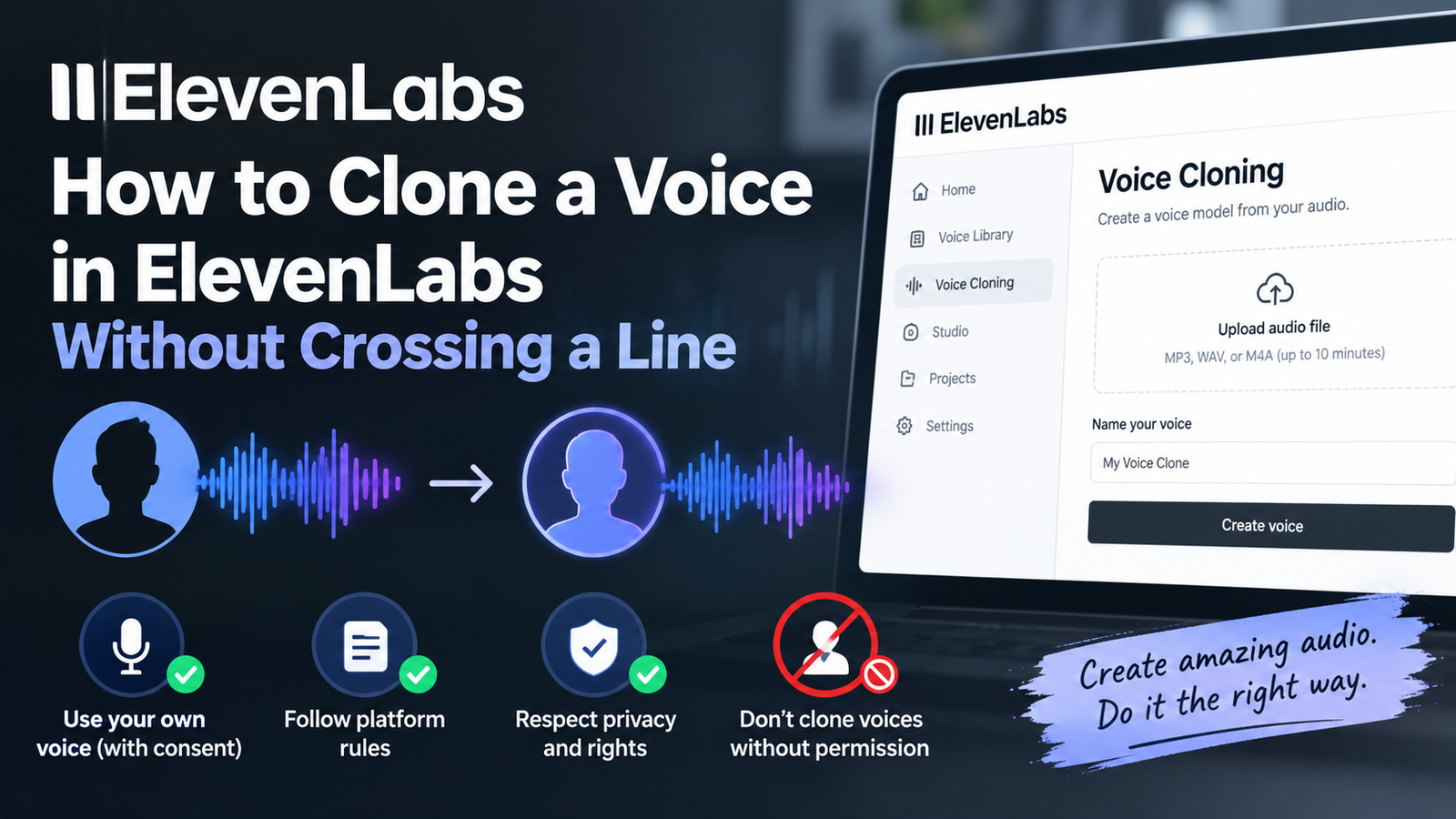
You will finish this guide with a cloned voice generated on the ElevenLabs platform using text-to-speech features.
What you will end up with
An AI voice generator and voice agents platform offering ultra-realistic speech, voice cloning, sound effects, music generation, text-to-speech, speech-to-text, and conversational agents exists.
Our read: Building a custom voice requires clear intent and careful execution to keep the output sounding natural. You want to avoid generic robotic tones, so choosing the right source material matters immensely. Focus on quality over speed during this initial phase to save yourself hours of revision later.
Higher tiers such as team, business, enterprise, and education plans exist for organizations managing multiple users, but solo creators do not need them for basic cloning tasks. Stick to individual tools unless your workflow demands multi-user administrative controls and shared asset libraries.
- Access to ultra-realistic speech generation
- Functional voice cloning capabilities
- Text-to-speech conversion tools
Before you start
Gather your audio samples before opening the dashboard so you are not scrambling for files midway through the process. Ensure your recordings have minimal background noise, zero room echo, and consistent volume levels. Clean input data dictates whether your final cloned voice sounds sharp or muddy.
Double-check your microphone quality and file formats ahead of time to prevent upload errors. Taking ten minutes to organize your audio clips prevents frustrating workflow bottlenecks once you begin interacting with the platform tools.
- Access to the ElevenLabs platform interface
- Audio files containing clean speech recordings for cloning
- Text scripts ready for conversion generation
Steps
Follow this exact sequence to build your clone without running into common platform traps. Each action moves you closer to generating speech with your newly created profile.
- Navigate to the voice cloning section within the ElevenLabs platform.
- Upload your clean audio files containing the target speech recordings.
- Assign a recognizable name to your new voice profile within the interface.
- Select the text-to-speech tool and paste the script you want to generate.
- Generate the audio output using your newly cloned voice profile.
What success looks like
Listen to your generated output through studio headphones to catch subtle static or unnatural phrasing early. A successful clone captures the cadence of the original speaker while cleanly rendering every word from your typed script. If the pacing feels slightly robotic, adjust your source samples before running another generation batch.
- Generated audio that matches the pacing of the original speaker
- Speech output free from digital artifacts or sudden volume spikes
- An active voice profile saved and ready for future text-to-speech tasks
Common mistakes
Many creators ruin their voice clones by relying on smartphone voice memos recorded in loud kitchens or cars. Ambient noise ruins the cloning algorithm by blending environmental sounds into the synthesized voice profile. Always use dedicated microphone recordings in an acoustically treated space to maintain professional audio standards.
- Using audio recordings that contain background music or ambient room noise
- Uploading files with wildly fluctuating microphone volumes between clips
- Skipping the preview step before generating long blocks of text
Where to go next
Once your voice clone operates smoothly, branch out into other platform features like sound effects or music generation to expand your audio production toolkit. Take time to test speech-to-text capabilities if your projects involve heavy transcription work. Consistent experimentation across different tools helps you master the full ecosystem.
- Explore sound effects and music generation tools inside the platform
- Test speech-to-text workflows for transcription projects
- Experiment with conversational agents for interactive audio deployments
How we verified this
Evidence level: Researched from official sources. TNTReview did not test this product directly. Every factual claim above comes from the official sources listed here.
- ElevenLabs official site, checked 2026-10-05 (1 fact on this page)
Last verified: 2026-10-05