
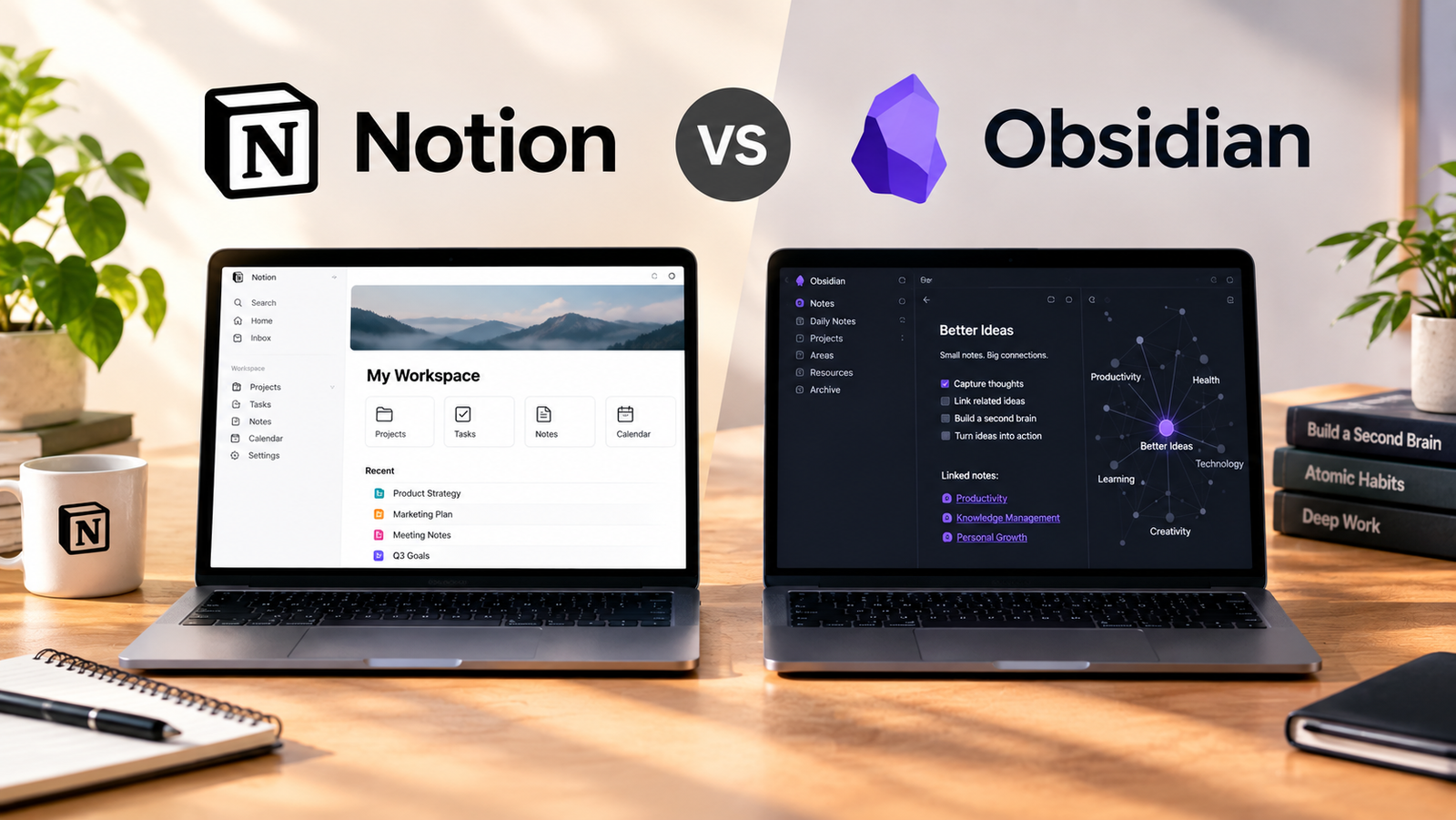
Obsidian wins for private thinking and unconstrained note-taking because it is free without limits and requires no sign-up. Notion wins if you want an AI workspace that captures context, finds answers, and automates tasks.
What each one is for
Notion is positioned as the AI workspace that works for you. Its current plan names are Free, Plus, Business, and Enterprise.
Obsidian is described as the free and flexible app for your private thoughts. Its current plan names are Sync, Publish, Catalyst, and Commercial.
Our read: You are choosing between two very different philosophies of digital organization. Notion operates as a connected online workspace geared toward structured tasks and team collaboration. Obsidian focuses on local text files that live on your machine, treating privacy and flexibility as core design principles. If you plan to collaborate with others daily, look past the team tiers of Notion only if your workflow demands heavy database structures. Otherwise, stick to the individual plan context.
How they compare on capability
Notion provides headline capabilities that include capturing context, finding answers, and automating tasks with AI built for your team.
Obsidian provides headline capabilities centered on sharpening your thinking through a free and flexible app for your private thoughts.
The capability gap shapes how you work every day. Notion brings automation and built-in artificial intelligence directly into your documents. Obsidian keeps things simple, relying on your own text files without forcing you into an account or subscription just to get started. Choose Notion if you want software that actively generates answers and automates tasks. Choose Obsidian if you want a reliable place to write and think without software interference.
Where the first option wins
Notion wins when you need to capture context, find answers, and automate tasks using AI built for your team. Its current plan options span Free, Plus, Business, and Enterprise.
Notion is the right pick if your daily work involves managing shared projects and extracting information using artificial intelligence. The presence of built-in automation features means you spend less time moving data manually between documents. If you work in a collaborative environment where team members need unified access to company knowledge, Notion handles those requirements natively.
Where the second option wins
Obsidian wins by offering a free and flexible app for your private thoughts. It provides use without limits, requiring no sign-up and no strings attached. Its plan names include Sync, Publish, Catalyst, and Commercial.
Obsidian excels when privacy and speed matter most. Because you can use it without signing up, your notes remain entirely under your control on your own hardware. If you want a distraction-free zone to sharpen your thinking without relying on cloud servers or automated assistants, Obsidian delivers a superior experience.
Which to choose, by use case
Choose Notion if you require an AI workspace featuring Free, Plus, Business, and Enterprise plans. Choose Obsidian if you want a free and flexible app with no limits and no sign-up required, using plans such as Sync, Publish, Catalyst, and Commercial.
Match the tool to your exact daily routine. If you manage operational workflows and need automated answers inside your documents, open a Notion workspace. If you write personal journals, research notes, or long-form thoughts that require total privacy and zero administrative overhead, download Obsidian and start typing immediately.
Verdict
Notion offers AI features, team capabilities, and structured plans ranging from Free to Enterprise. Obsidian offers an unconstrained, free environment for private thoughts with plans like Sync and Publish.
Pick Obsidian for personal note-taking because it lets you start immediately without an account, keeping your thoughts private. Switch to Notion only if you specifically need artificial intelligence features to parse your documents and automate repetitive tasks.
How we verified this
Evidence level: Editorial comparison of verified public information. TNTReview did not test this product directly. Every factual claim above comes from the official sources listed here.
- Notion official site, checked 2026-09-21 (2 facts on this page)
- Notion pricing page, checked 2026-09-21 (1 fact on this page)
- Obsidian official site, checked 2026-09-21 (2 facts on this page)
- Obsidian pricing page, checked 2026-09-21 (2 facts on this page)
What we could not confirm: the official pages we checked did not state the current price, the exact free usage allowance, the current price. Rather than estimate, we left it out of this article.
Last verified: 2026-09-21