
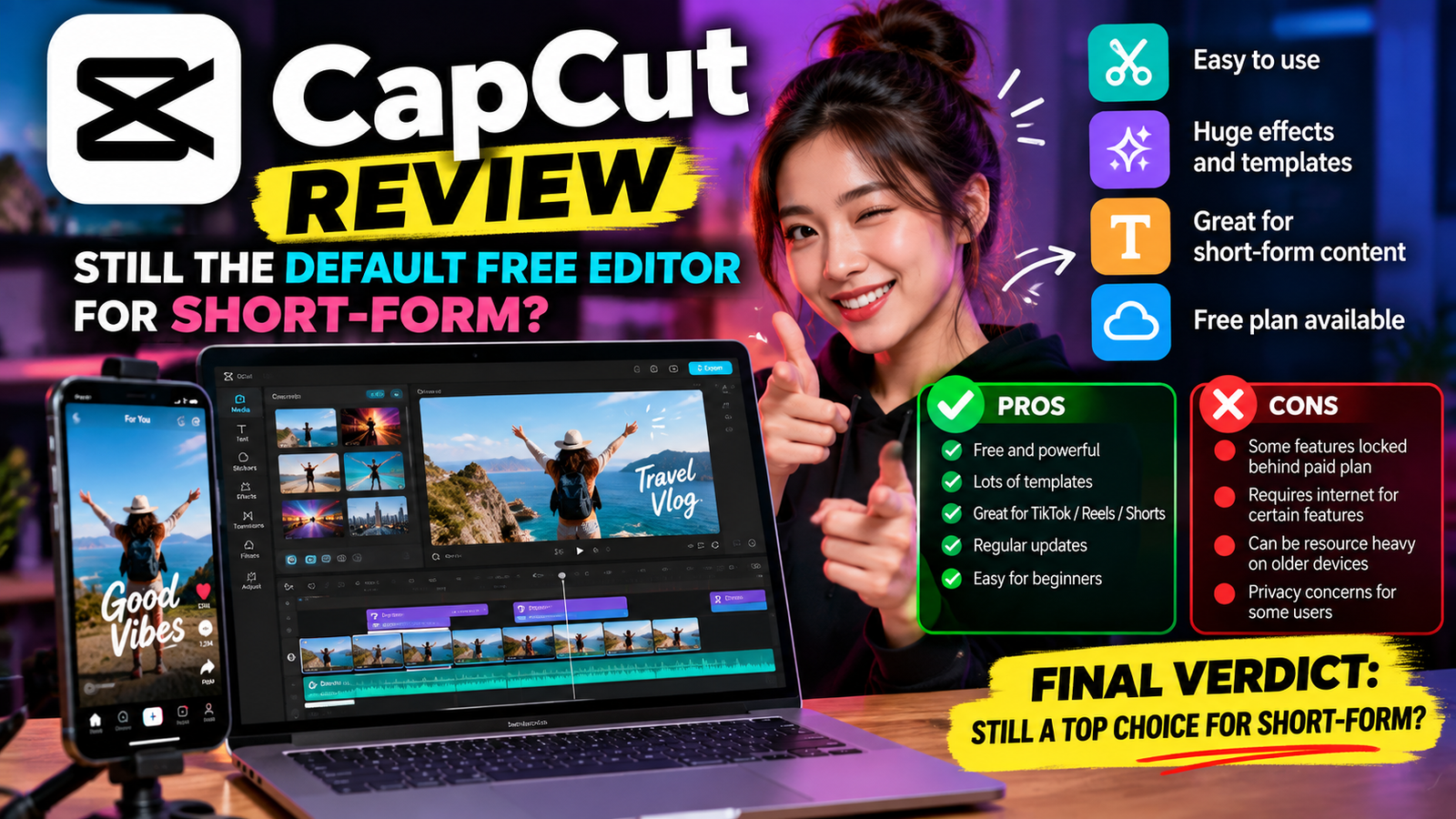
CapCut is an artificial intelligence-powered photo and video editor designed for everyday creators. It provides the essential tools required to produce trending content for platforms like YouTube and Instagram.
What it is
CapCut functions as an artificial intelligence-powered photo and video editor for everyone. It includes everything you need to create trending content for YouTube, Instagram, and beyond.
Our read: When you open this application, you immediately encounter a workspace built around speed rather than deep manual color grading or complex audio mixing. The interface strips away traditional editing hurdles by placing automated tools front and center. You are looking at a system designed to help you push out weekly or daily uploads without getting bogged down in timelines and keyframes. If you want a desktop suite that behaves like a traditional professional studio, this will feel too automated and restrictive. Focus your initial test on a single short vertical clip to see if the automated pacing matches your personal editing rhythm.
Who it suits
This tool is built for solo creators, independent video producers, and social media managers who need to churn out platform-specific media quickly. If your primary workflow involves posting daily updates to Instagram or maintaining a regular schedule on YouTube, the built-in asset library and automated formatting will save you considerable time. This software is not designed for Hollywood film editors, corporate post-production houses, or teams requiring granular project version control. Ignore this option if your primary output consists of feature-length documentaries or complex narrative films that demand multi-track audio routing and advanced color workflows.
Key capabilities
CapCut provides everything you need to create trending content for YouTube, Instagram, and beyond. The software operates as an artificial intelligence-powered photo and video editor for everyone.
The core strength of the capability set lies in its focus on social platform formats rather than archival television standards. When evaluating these features, look past the marketing labels and focus on how quickly you can assemble a rough cut. The artificial intelligence integration aims to automate tedious trimming and enhancement steps so you can spend your energy on concept creation. Do not expect traditional non-linear editing depth here. Instead, expect a streamlined set of utilities that cater specifically to vertical and horizontal social video formats.
- Artificial intelligence-powered photo editing tools
- Artificial intelligence-powered video editing tools
- Built-in creation features for YouTube content
- Built-in creation features for Instagram content
Where it is strong
The primary advantage of this software is how fast you can take raw footage and turn it into a finished social media post. Beginners will appreciate the lack of dense technical menus, allowing for immediate productivity without reading a manual. The inclusion of trending formats ensures your output visually aligns with current platform expectations without requiring manual design work. If you value speed above all else when publishing to Instagram or YouTube, this editor delivers a remarkably friction-free experience from import to export.
- Rapid assembly of short-form videos for social media platforms
- Straightforward learning curve for beginners
- Immediate access to trending stylistic templates
- Streamlined media organization for fast publishing
Where it falls short
The heavy automation that makes this editor fast also creates a ceiling for advanced creative control. If you need precise keyframe manipulation for complex visual effects, you will quickly hit the boundaries of what the interface allows. Audio processing tools lack the granular EQ and routing capabilities found in dedicated audio post-production suites. Treat this as a specialized tool for social video rather than a universal editing hub for all your creative projects.
- Heavy reliance on automated features can restrict creative control
- Limited depth for advanced audio sweetening and color grading
- Interface prioritizes rapid social output over archival project management
- Restricted utility for long-form documentary or cinematic workflows
Alternatives worth considering
If you find the automation of CapCut too restrictive, you should look toward traditional non-linear editors. DaVinci Resolve offers unmatched color and audio tools if you are willing to learn a steeper interface. Adobe Premiere Pro remains the industry standard for collaborative workflows and deep timeline control. Match your choice to your actual output requirements rather than buying the most powerful software available. Test a traditional timeline editor if you plan to move beyond standard social media vertical videos into narrative or commercial work.
- DaVinci Resolve for advanced color grading and professional audio mixing
- Adobe Premiere Pro for traditional timeline editing and multi-camera workflows
- Final Cut Pro for macOS users seeking high-performance timeline management
- Clipchamp for basic Windows-native video assembly
Verdict
CapCut remains a strong recommendation if your primary goal is publishing fast-paced content to YouTube and Instagram with minimal friction. Download the application and run a single test project using your own raw footage to verify that the automated tools fit your style. If you spend more time fighting the automation than editing, switch to a traditional timeline editor immediately. Protect your creative process by choosing the tool that matches your actual publishing frequency rather than your aspirations.
- Choose this editor if your workflow centers on rapid social media publishing
- Skip this tool if you require advanced color grading or deep audio mixing
- Test the software on a single project before committing your regular workflow
How we verified this
Evidence level: Researched from official sources. TNTReview did not test this product directly. Every factual claim above comes from the official sources listed here.
- CapCut official site, checked 2026-09-12 (2 facts on this page)
What we could not confirm: the official pages we checked did not state the full plan list, the current price, the exact free usage allowance. Rather than estimate, we left it out of this article.
Last verified: 2026-09-25