
n8n vs Zapier 2026: Which Should You Use?
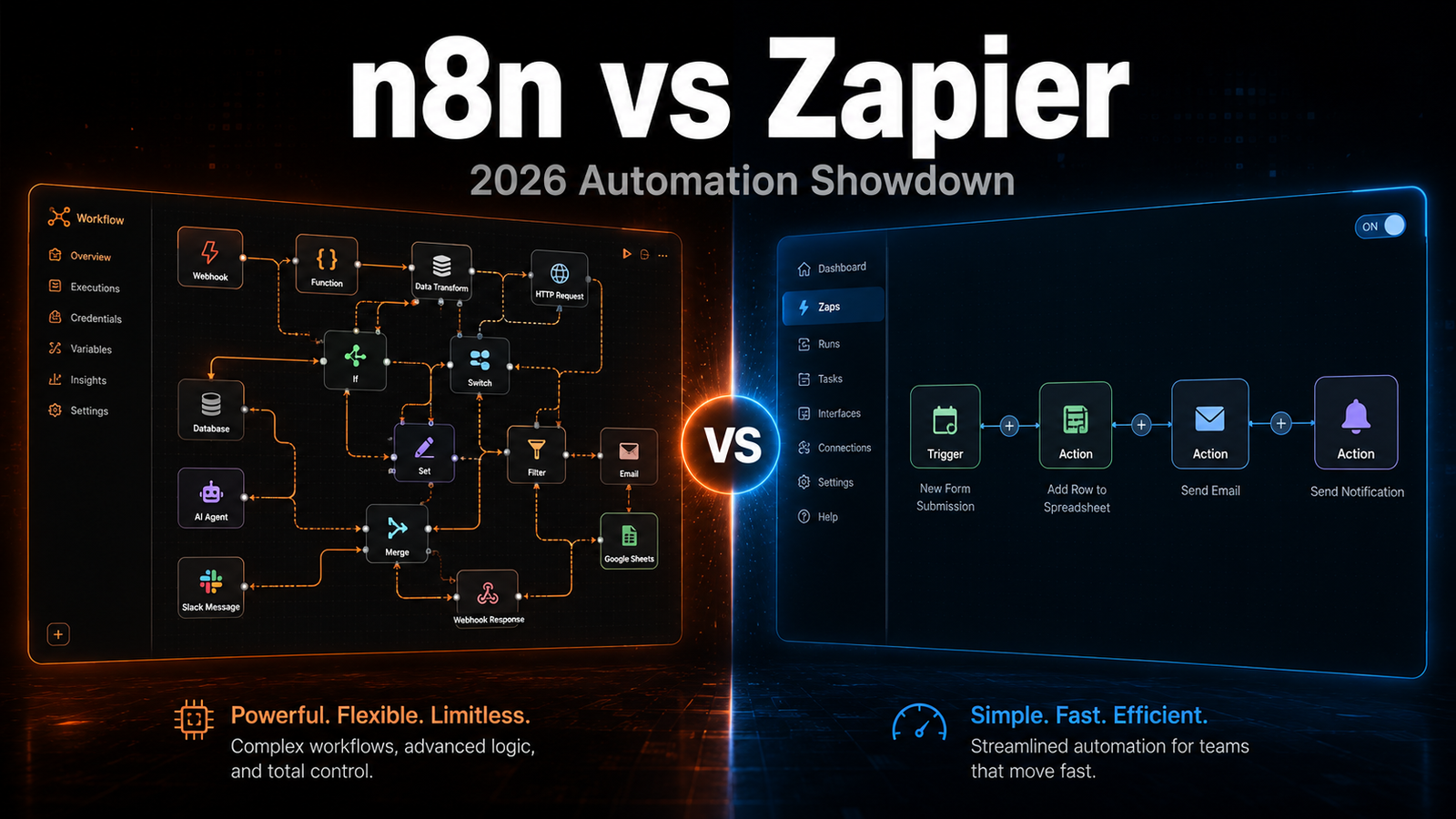
If you have been researching automation tools, you have already hit the n8n vs Zapier 2026 debate. Both tools connect your apps and automate repetitive tasks. The difference is who they are built for, what they cost, and how much control you get. This comparison will give you a straight answer.
What Is Zapier?
Zapier is the automation tool most people start with. It connects more than 9,000 apps through a simple drag-and-drop interface (zapier.com/pricing, checked 14 September 2026). You build “Zaps,” which are automated workflows that trigger actions between apps. Zapier is designed for non-technical users. If you want something up and running in ten minutes without touching any code, Zapier gets the job done.
The trade-off is price. Zapier’s free plan limits you to 100 tasks per month on two-step Zaps, which sounds fine until you realise how fast that gets used up. Paid plans start at $19.99 per month on the Professional plan when billed annually, or $29.99 billed monthly, and the price rises with the task volume you buy.
Visit: zapier.com
What Is n8n?
n8n is an open-source workflow automation tool. You can self-host the Community Edition for free on your own server, or use n8n Cloud from 20 EUR per month billed annually. n8n publishes its prices in euros, which is worth remembering if you are budgeting in Australian dollars. The major difference is power. n8n lets you write custom JavaScript or Python inside your workflows, connect to APIs without pre-built integrations, and build logic that Zapier simply cannot handle.
The learning curve is real. n8n is built for developers and technical users. If you have never used a workflow builder before, n8n will take longer to get started with. But once you learn it, the ceiling is significantly higher than anything Zapier offers.
Visit: n8n.io
n8n vs Zapier 2026: Pricing Compared
Pricing is where the two tools diverge most sharply.
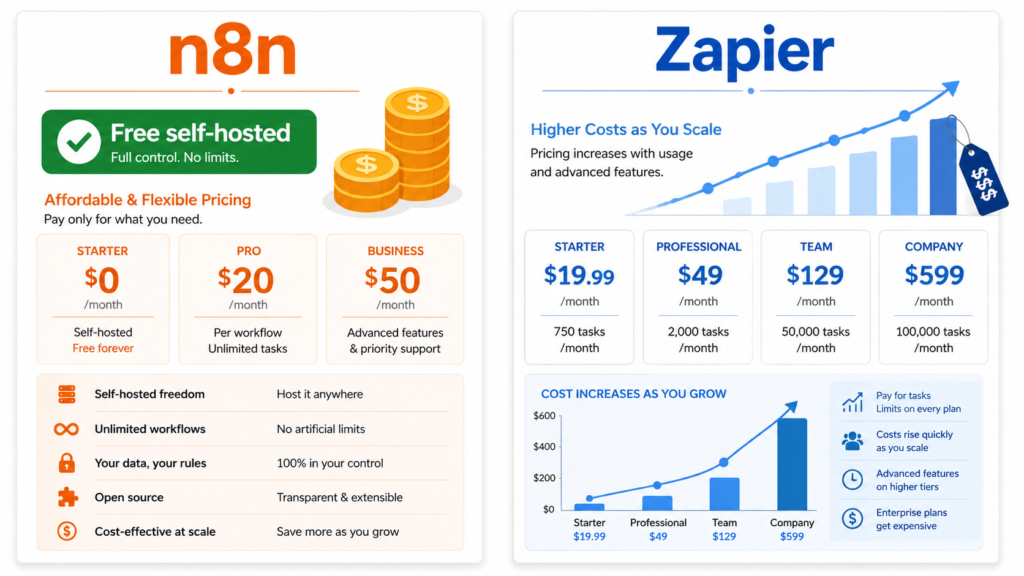
Zapier pricing:
- Free: $0, 100 tasks per month, two-step Zaps (one trigger and one action)
- Professional: from $19.99 per month billed annually, or $29.99 billed monthly, priced by task volume
- Team: from $69 per month billed annually, or $103.50 billed monthly, with multi-user access
- Enterprise: custom pricing through their sales team
Sources: n8n.io/pricing and zapier.com/pricing, both checked 14 September 2026.
How each tool counts your usage
This is the difference that decides the choice, and most comparisons bury it under feature tables.
Zapier counts a task every time it successfully completes a unit of work for you. Failed actions are not counted, and triggers, polling and its built-in tools such as Filter, Formatter and Delay do not consume tasks. n8n counts one execution per run of your whole workflow, and it does not matter how many steps that workflow has or how much data passes through it.
Put numbers on it. An automation with five billable actions, run 1,000 times in a month, is 5,000 Zapier tasks. The same automation on n8n is 1,000 executions. Your workload has not changed; only the meter has. That is why the two look similarly priced on the pricing page and diverge sharply on the invoice.
n8n pricing:
- Community Edition, self-hosted: free software. You pay for the server, and for your own time keeping it updated and backed up
- Cloud Starter: 20 EUR per month billed annually, 2,500 executions
- Cloud Pro: 50 EUR per month billed annually, 10,000 executions
- Business: 667 EUR per month billed annually, 40,000 executions. Every plan allows unlimited active workflows
For anyone running more than a handful of multi-step automations, n8n gets cheaper as volume grows, because volume is measured differently.
When self-hosting actually pays off
Free software is not a free system. Before you move, look at two things in your own account rather than at anyone’s benchmark.
First, your task count against your plan. If you are nowhere near your limit, the cheaper meter saves you nothing and Zapier’s app library is worth more than the savings. Second, the shape of your automations. Many actions per run is what makes task billing expensive, so a handful of long workflows benefits far more from a move than many short ones.
Then price the part that is not on the invoice: a server to run it on, updates, backups, and being the person who fixes it at an inconvenient moment. If you are not willing to own that, n8n Cloud keeps the pricing model without the maintenance, and it is still cheaper per run than task billing at volume.
n8n vs Zapier 2026: Features Compared
| Feature | n8n | Zapier |
|---|---|---|
| Self-hosting | Yes (free) | No |
| App integrations | 400+ native + any API | 7,000+ |
| Code execution | Yes (JavaScript and Python) | Limited (paid plans only) |
| AI nodes | Built-in AI Agent node | Available but basic |
| Webhooks | Yes | Yes |
| Error handling | Advanced | Basic |
| Free tier | Unlimited (self-hosted) | 100 tasks/month |
| Ease of use | Moderate to hard | Easy |
Which Is Easier to Use?
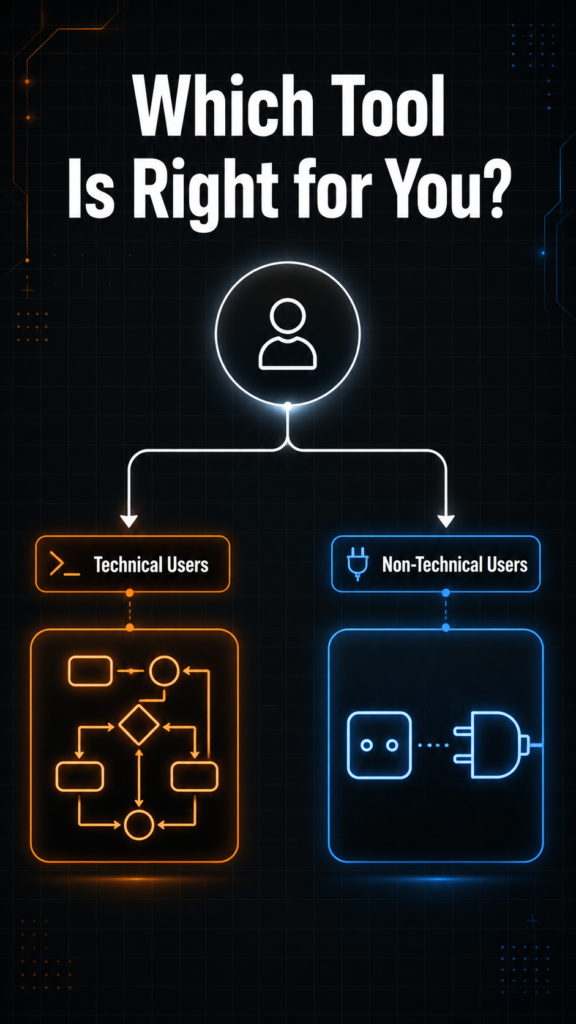
Zapier wins on ease of use, and it is not close. The interface is clean, the template library is massive, and you can set up your first automation without reading a single article. For non-technical users, this matters a lot.
n8n requires more setup. The visual workflow editor is powerful but dense. You need to understand data structures, JSON, and how APIs work to use n8n at its full potential. That said, the n8n community is active and the documentation is solid. Most common use cases have a tutorial or community template ready to go.
Which One Should You Choose?
Choose Zapier if:
- You are non-technical and want automations running today
- You need integrations with less common apps (Zapier’s 7,000+ app library is unmatched)
- You run simple, low-volume workflows
- Speed of setup matters more than cost
Choose n8n if:
- You are comfortable with basic technical concepts
- You run high-volume automations and Zapier’s costs are adding up
- You need custom logic, code execution, or API connections without pre-built integrations
- You want full control over your data. Self-hosted means nothing leaves your server.
n8n vs Zapier 2026: The TNT Review Verdict
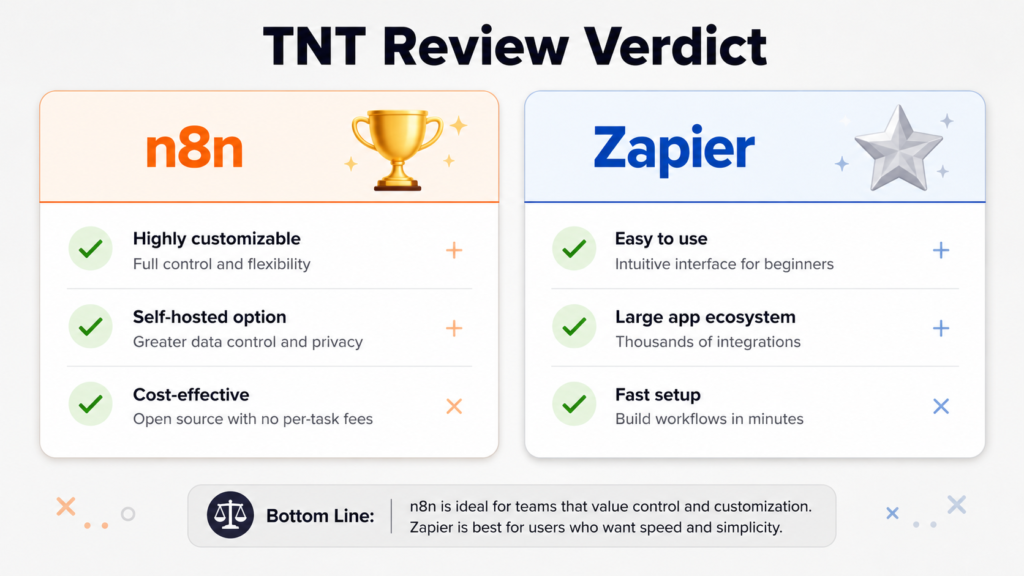
For most content creators and small business owners who are scaling up, n8n is the better long-term choice. The initial learning investment pays off within a few months, especially once Zapier’s task limits start costing real money. If you are running automations at any meaningful volume, n8n will save you hundreds of dollars per year.
If you are just getting started and need something that works today with zero friction, Zapier is fine. Use it to learn what automation can do for your workflow, then migrate to n8n when the pricing becomes a problem.
The TNT Review recommendation: start with Zapier’s free tier to understand what automation can do, then move to n8n self-hosted when you are ready to scale without paying per task.
Download the free n8n Starter Workflow Pack — 6 tested workflows (RSS digest, uptime checker, Slack alerts, and more), no email required.
Want to see n8n running a real small-business workflow instead of a toy demo? Radiance Impact has a sample: Lead Workflow Automation.