
CapCut export looks worse than the preview: why and how to stop it
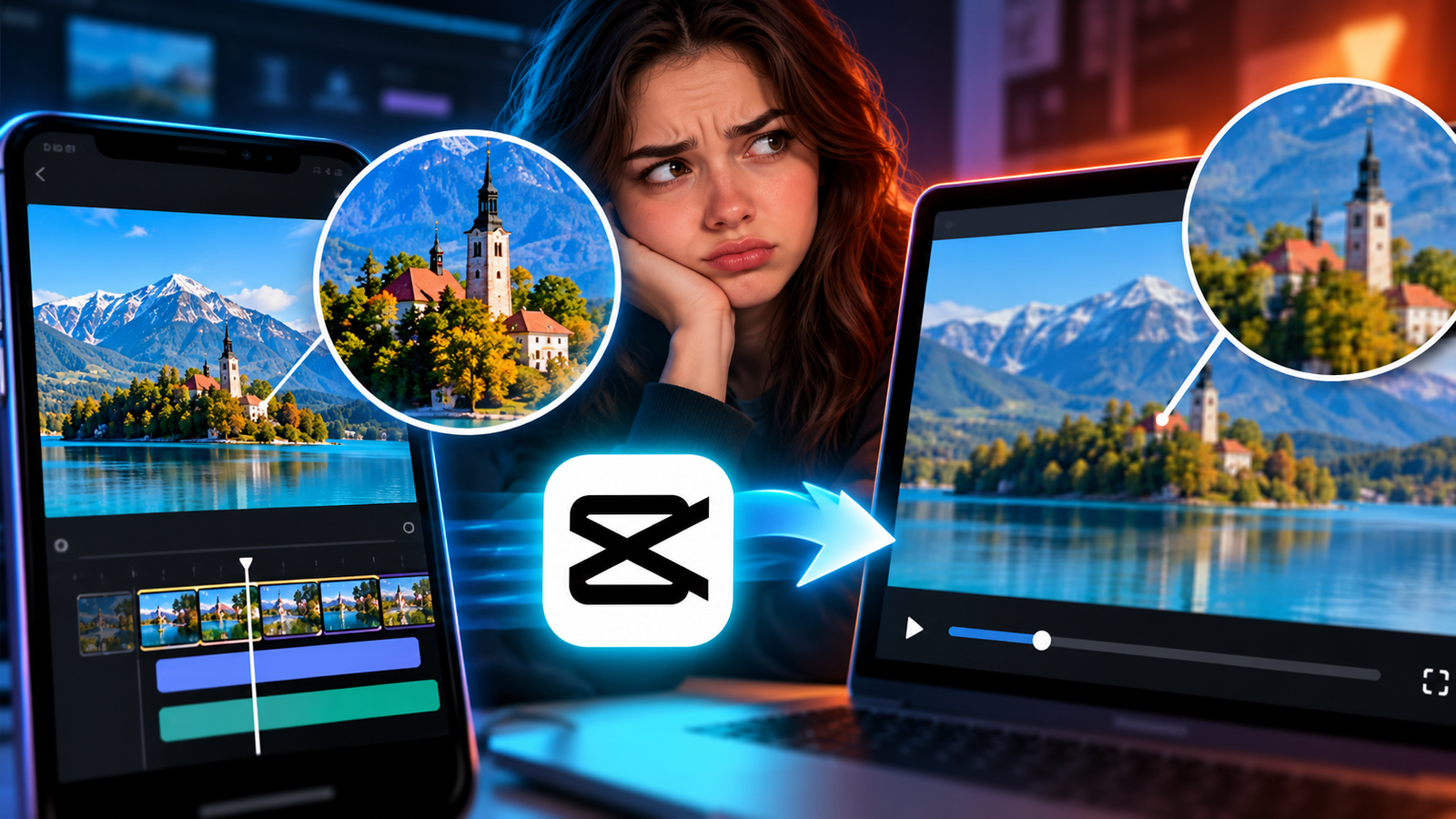
Fix blurry or pixelated video exports in CapCut by adjusting your resolution, bitrate, and frame rate settings to match your source files.
Fix blurry or pixelated video exports in CapCut by adjusting your resolution, bitrate, and frame rate settings to match your source files.
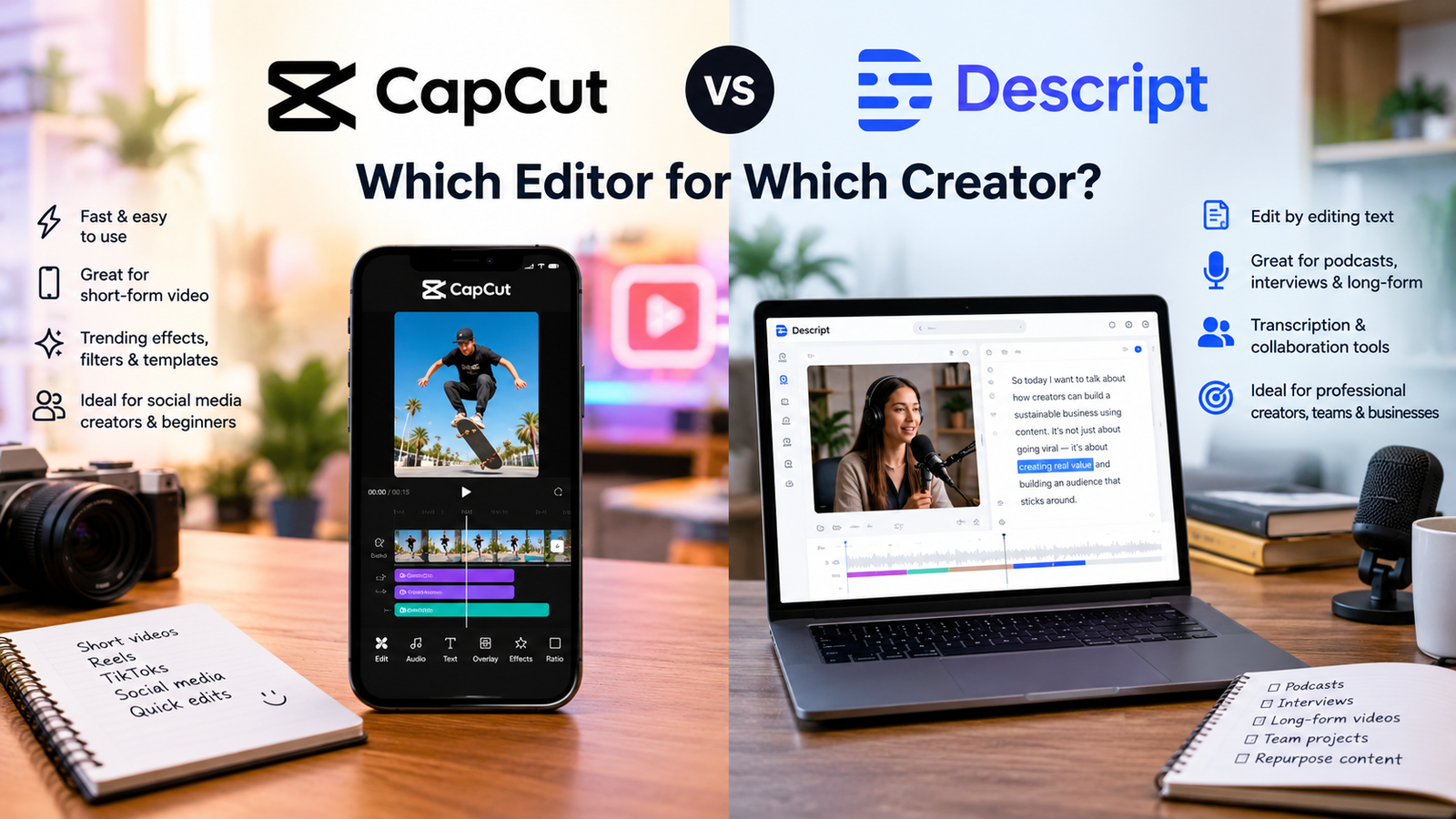
Compare CapCut and Descript to find the ideal video editor for your workflow, whether you need trending visual effects or fast transcript-based dialogue editing.
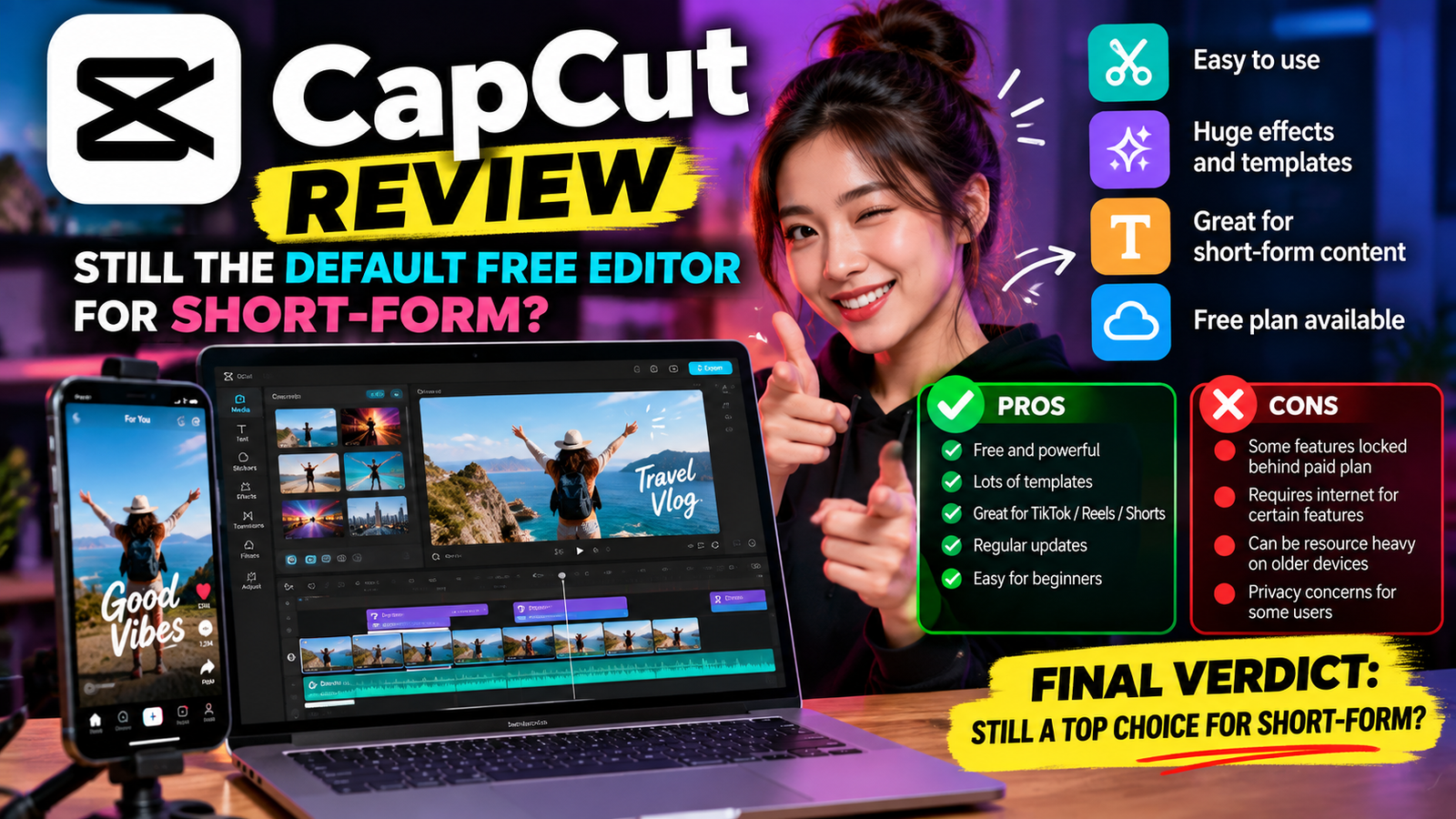
Discover whether CapCut remains the default free choice for creating trending short-form video content on YouTube and Instagram today.

The best free AI tools 2026 are more capable than paid tools were just two years ago. The gap between free and paid has narrowed dramatically, and for most everyday tasks, you genuinely do not need to spend a dollar. This guide covers 10 tools, one per category, that are actually free — not a … Read more