
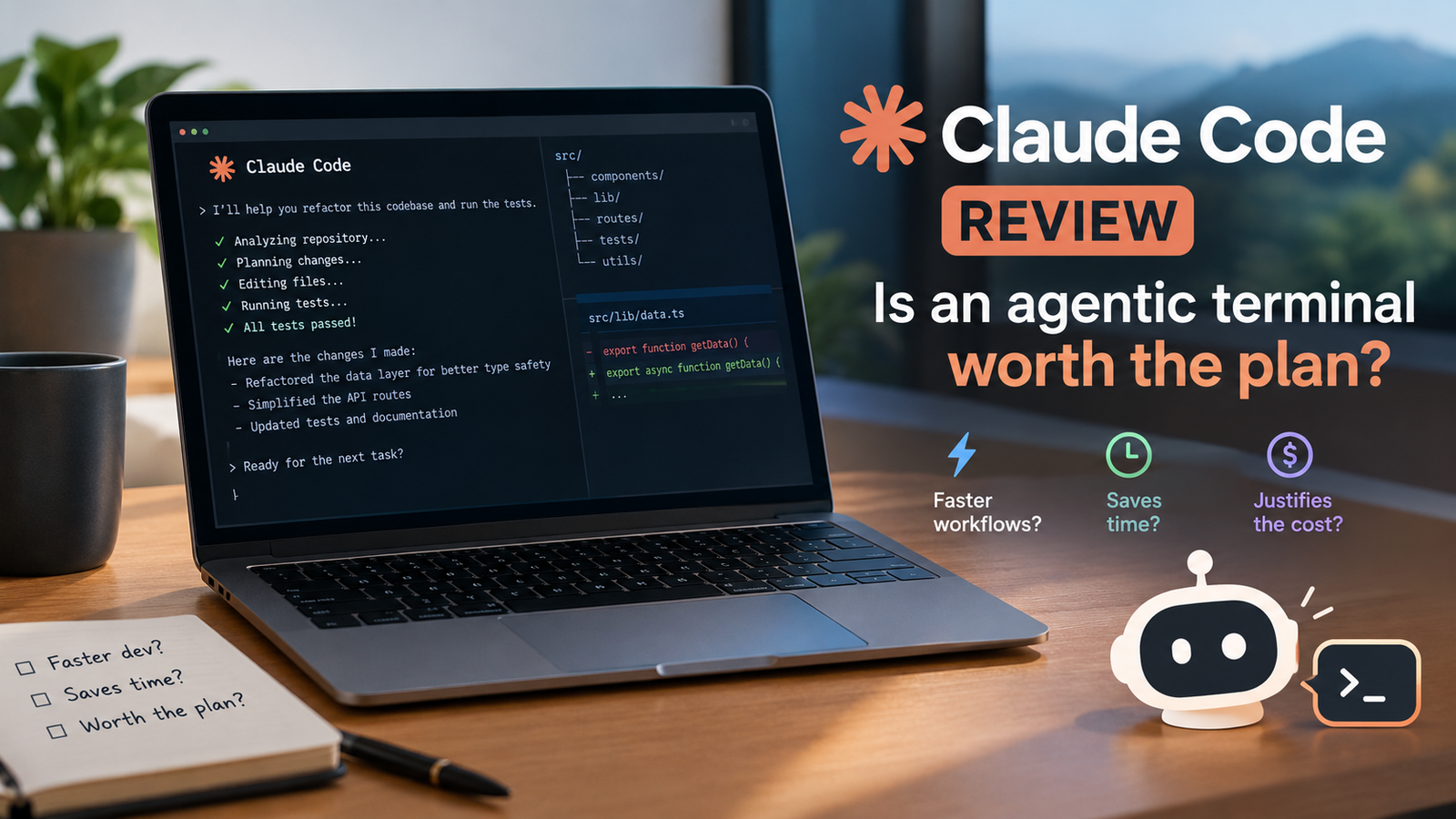
Claude Code is an AI coding agent operating directly inside your terminal, IDE, Slack, or web interface to manage end-to-end software development tasks. If you spend your day writing code, fixing bugs, and executing complex migrations, this agentic tool aims to take over those lengthy terminal workflows.
What it is
Claude Code is positioned as an AI coding agent that operates in the terminal, IDE, Slack, or web, handling bug fixes, tests, migrations, and long-running tasks.
Our read: When you look at how developers interact with their development environments, moving an AI agent directly into the terminal changes the usual copy-and-paste loop. Instead of switching windows to chat with a browser model, you point this agent at your repository right where your commands execute. You should verify how well it integrates with your existing shell scripts and daily command-line habits before committing to a daily workflow.
Avoid treating this as a simple autocomplete plugin because its architecture focuses on broader execution rather than single-line suggestions. Take time to examine your typical project layout to see where terminal-based automation fits best.
Team and enterprise plans exist for larger organizations, but individual developers should focus strictly on the individual tiers to avoid paying for administrative overhead you do not need.
- Open your preferred terminal application where your target code repository is currently stored.
- Launch the agent environment and verify that it has proper read and write access to your local files.
- Initiate a small test task such as running a test suite or finding a known bug to validate the setup.
- Operates directly in the terminal, IDE, Slack, and web interfaces.
- Designed to handle bug fixes, tests, migrations, and long-running tasks.
Who it suits
This tool is built specifically for engineers who live inside the terminal and want an agent to handle tedious operational chores. If your day involves manual testing, repetitive bug fixes, and massive codebase refactoring across many files, the agent format matches your workflow. Developers who rarely use command-line tools will find little value here, as the interface relies heavily on terminal proficiency.
Do not adopt this if your primary output is frontend UI design via visual drag-and-drop builders. Focus your evaluation on backend tasks, API integrations, and script-heavy repositories where command-line agents excel.
Larger team or enterprise licenses are meant for multi-developer deployment, but individual solo practitioners will find everything they need on the individual tiers.
- Audit your last two weeks of development tasks to count how many hours you spent on routine bug fixes and tests.
- Confirm that your daily work happens primarily inside command-line tools and text editors rather than visual builders.
- Select the appropriate individual plan tier based on your personal budget and project load.
- Solo developers managing multiple repositories from the command line.
- Engineers who spend significant hours running refactors and large code migrations.
Key capabilities
Claude Code builds plans, asks clarifying questions, handles work running for hours or days, maps and explains entire codebases, works with GitHub, GitLab, and command line tools, and runs multi-hour refactors and migrations.
The ability to map and explain entire codebases makes this useful when onboarding onto an unfamiliar repository. Instead of manually tracing imports across dozens of directories, you can ask the agent to parse the structure and explain how modules connect.
The inclusion of GitHub and GitLab integration means you can tie your repository workflows directly into the agent tasks without building custom webhooks. Watch out for scope creep when letting tasks run for hours, and always review the generated plans before letting the agent execute multi-hour refactors unattended.
- Point the agent at a new or unfamiliar repository to generate an initial codebase map.
- Review the generated plan and answer any clarifying questions the agent asks before starting work.
- Connect your GitHub or GitLab credentials to enable repository-level actions.
- Builds execution plans and asks clarifying questions before writing code.
- Handles work running for hours or days.
- Maps and explains entire codebases.
- Works natively with GitHub, GitLab, and command line tools.
- Executes multi-hour refactors and migrations.
Where it is strong
The standout strength is its capacity for long-running tasks that would normally require you to babysit an interactive prompt. By handling multi-hour refactors and migrations autonomously, it frees up your attention for higher-level architecture work. The direct terminal integration also eliminates the friction of moving code snippets back and forth between a browser window and your IDE.
Common mistakes include launching massive refactors without running a clean test suite first. Always ensure your baseline tests pass before letting the agent modify core business logic across multiple files.
- Run your complete test suite locally to establish a known green baseline.
- Define a specific, bounded migration or refactor task for the agent to execute.
- Monitor the initial execution steps to ensure the agent understands the file boundaries.
- Executes complex, multi-hour refactors without requiring constant human prompts.
- Bridges the gap between chat interfaces and local command-line operations.
Where it falls short
Because the tool operates primarily in the terminal and command-line environments, developers who rely strictly on heavy graphical integrated development environments may experience a steep learning curve. Furthermore, multi-hour tasks require precise prompting; if your instructions are vague, the agent may spend significant time pursuing incorrect refactoring paths.
Avoid giving the agent open-ended instructions like clean up this codebase. Always provide explicit boundaries, specific directories, and clear acceptance criteria for every task you assign.
- Identify any graphical tools or extensions you currently rely on that lack command-line equivalents.
- Draft strict constraints and file exclusion rules before initiating large automated tasks.
- Check intermediate checkpoints during long runs to catch stray edits early.
- Requires deep comfort with terminal environments and command-line tools.
- Long-running tasks can wander off track if the initial plan lacks precise boundaries.
Alternatives worth considering
If you do not need terminal-native automation, standard browser-based assistants or IDE autocomplete extensions offer a lighter touch without changing your command-line workflow. Those alternatives work better if you prefer writing code line by line while maintaining strict manual control over every file modification.
Team, Enterprise, and Education tiers exist for large organizations, but you should ignore them unless you are purchasing licenses for an entire engineering department.
- Test a basic IDE autocomplete plugin for one week to see if inline suggestions suffice for your workflow.
- Compare the time spent switching windows to a browser chat interface versus staying inside your terminal.
- Choose the tool that matches your preference for automated agency versus manual control.
- Standard browser-based AI chat assistants for manual snippet generation.
- Traditional IDE-native autocomplete extensions for real-time line completions.
Verdict
Buy Claude Code if you spend your day in the terminal and want an agent that can autonomously execute multi-hour migrations, map complex codebases, and handle tedious bug fixes. Skip it if you write code strictly through graphical interfaces or want to manually review every single character before it enters your repository.
Take a trial run on a single non-critical repository to measure how much time the terminal agent actually saves you compared to your current setup.
- Select an individual plan tier to start your evaluation.
- Install the agent in a secondary, non-production repository for your first test run.
- Measure the time saved on your first automated migration to confirm the value.
- Recommended for terminal-heavy developers handling large refactors and migrations.
- Skip if you prefer strict manual control over every line of code without autonomous agents.
How we verified this
Evidence level: Researched from official sources. TNTReview did not test this product directly. Every factual claim above comes from the official sources listed here.
- Claude Code official site, checked 2026-09-27 (2 facts on this page)
- Claude Code pricing page, checked 2026-09-27 (1 fact on this page)
What we could not confirm: the official pages we checked did not state the current price, the exact free usage allowance. Rather than estimate, we left it out of this article.
Last verified: 2026-09-28