
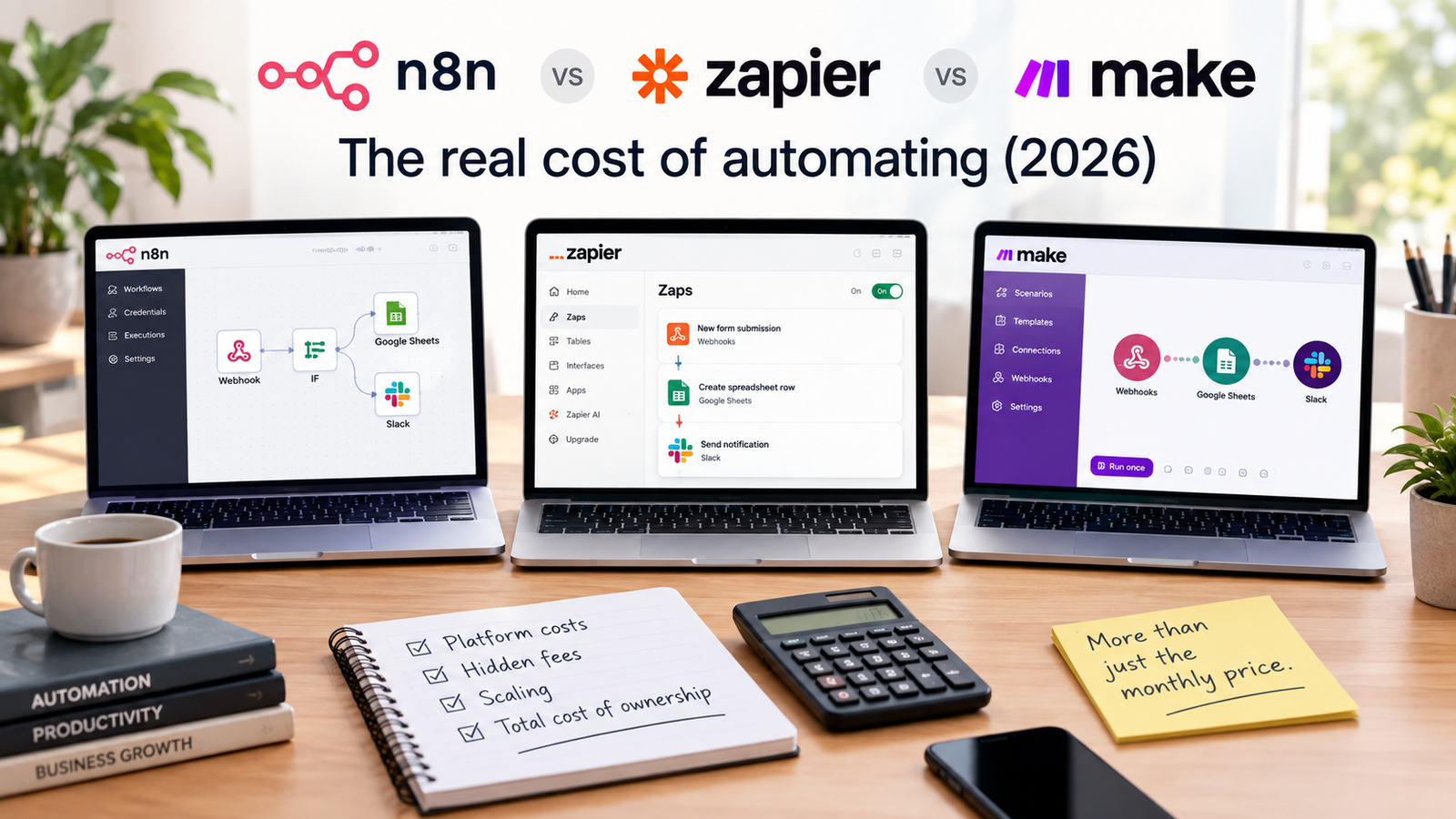
Zapier wins for the most common use case of connecting standard business applications quickly without developer support. If your goal is to wire up off the shelf software using prebuilt connectors, Zapier handles the task reliably, though you should check the execution limits before committing.
What each one is for
n8n operates as an AI Workflow Automation Platform with a design that lets you build visually, go deep with code, and connect to anything.
Zapier gives teams one place to set guardrails, manage model access, and see everything so everyone can build with AI confidently, on any model, without waiting for permission, supported by app integrations including over 9,000 app connections, AI automation, and enterprise grade security.
Make functions as a visual workflow automation platform that lets users build, automate and integrate workflows across over 3,000 apps using a no code visual scenario builder.
Our read: Choosing among these three platforms requires understanding how each tool treats code and complexity. n8n is built for people who want to mix visual node placement with hard code when a standard connector falls short. Zapier prioritizes sheer breadth of app coverage, making it the default choice if you rely on obscure marketing or CRM tools. Make sits in the middle, offering a graphical canvas that handles multi-branch logic cleanly without requiring you to write custom scripts. Team or enterprise tiers on any of these options should be avoided unless you are managing a large organization with strict security and auditing mandates, because the entry and mid level plans are more than sufficient for individual builders and small teams.
- List every application you currently use in your daily workflow.
- Check whether your core apps require deep custom scripting or standard triggers.
- Determine if your team members have coding experience or require strict no code graphical builders.
- n8n: AI Workflow Automation Platform with visual building and code capabilities.
- Zapier: App integrations, AI automation, and enterprise grade security with over 9,000 connections.
- Make: Visual workflow automation across more than 3,000 apps via a no code scenario builder.
How they compare on capability
Zapier offers app integrations featuring over 9,000 app connections alongside AI automation and enterprise grade security.
n8n allows users to build visually, go deep with code, and connect to anything.
Make lets users build, automate and integrate workflows across over 3,000 apps using a no code visual scenario builder.
When comparing capabilities, the sheer number of application connectors is often the deciding factor. Zapier leads the market with over 9,000 integrations, meaning you will rarely encounter an API it cannot talk to. Make covers over 3,000 apps, which is plenty for standard SaaS stacks, while n8n focuses heavily on letting you connect to anything by dropping into code when graphical nodes run out of steam. If you need complex data transformations, n8n and Make both provide much cleaner visual mapping interfaces than Zapier’s rigid field structures. Avoid higher enterprise tiers unless you specifically need centralized governance and dedicated infrastructure for hundreds of internal users.
- Search the app directories of all three platforms for your specific software stack.
- Test how each platform handles nested JSON data structures during data mapping.
- Evaluate whether your automation logic requires custom JavaScript or Python execution.
- Zapier app count: 9,000+ app connections.
- n8n flexibility: Visual building combined with deep code capabilities.
- Make app count: 3,000+ apps supported by a visual scenario builder.
How they compare on price
n8n offers a Starter plan at 20€ per month billed annually, a Pro plan at 50€ per month billed annually, a Business plan at 667€ per month billed annually, and an Enterprise plan requiring you to contact sales.
Zapier offers a Free plan at $0 per month, a Professional plan starting from $19.99 per month, a Team plan starting from $69 per month, and an Enterprise plan where you contact them for pricing.
Make offers a Free plan at $0 per month providing 1,000 credits per month, a Pro plan at $9 per month for 5,000 credits per month, and a Company enterprise plan with custom pricing.
Pricing structures vary wildly across these three tools, making direct comparisons difficult without looking at your expected volume. Make is the most aggressive on price for entry level users, giving you 5,000 credits for just $9 per month on its Pro plan. Zapier starts its Professional tier at $19.99 per month, but costs scale up quickly as your task volume grows because Zapier counts every single step inside a multi-step workflow. n8n charges in Euros, with Starter at 20€ and Pro at 50€ billed annually, making it more predictable if you self host or run high volume executions. Team, business, or enterprise tiers on any platform should be ignored unless you manage a multi-department organization that requires advanced user permissioning and dedicated support.
- Calculate your estimated monthly execution or task volume based on current manual workflows.
- Multiply your expected steps per workflow to see how task-based billing affects your monthly bill.
- Select the billing interval that matches your budget cycle.
- n8n Starter: 20€ /mo billed annually.
- n8n Pro: 50€ /mo billed annually.
- n8n Business: 667€ /mo billed annually.
- Zapier Professional: starting from $19.99/month.
- Zapier Team: starting from $69/month.
- Make Free: $0/month with 1,000 credits.
- Make Pro: $9/month for 5,000 credits.
Where the first option wins
n8n provides trial limits on its free tier including 1,000 executions, 5 concurrent executions, a 180-second execution timeout, 1 team project, 800 AI Assistant credits, 100 AI credits, and 20 AI Builder credits.
The platform is specifically positioned as an AI Workflow Automation Platform designed to help you build visually, go deep with code, and connect to anything.
Current plan names for this platform consist of Starter, Pro, Business, and Enterprise.
n8n wins decisively when you need heavy data processing, custom code execution, and predictable costs at scale. Because it allows you to drop into JavaScript easily, you can manipulate messy payloads without paying for auxiliary utility steps. The 180-second execution timeout on the trial limits gives you breathing room for longer running tasks that would time out on stricter platforms. Avoid looking at the 667€ Business tier or Enterprise options unless you are scaling automated processes across an entire corporation with dedicated IT requirements.
- Identify tasks in your backlog that require custom data parsing or JavaScript functions.
- Set up a test workflow to check if your processes fit within the execution timeout limits.
- Monitor your AI credit usage during initial testing phases.
- Free execution limit: 1,000 executions.
- Concurrent limit: 5 concurrent executions.
- Timeout limit: 180-second execution timeout.
- AI credits included: 800 Assistant credits, 100 AI credits, 20 AI Builder credits.
Where the second option wins
Zapier provides a free tier with 100 tasks per month, two-step Zap workflows, a 15 minute polling time, 1 seat, 2,500 records per account in Tables, and 10 Form pages per account.
The platform is built to give teams one place to set guardrails, manage model access, and see everything so everyone can build with AI confidently, on any model, without waiting for permission.
Current plan names for Zapier include Free, Professional, Team, and Enterprise.
Zapier wins when you need absolute reliability and instant connectivity to virtually any cloud software on the market. With over 9,000 app connections, you will rarely find a tool that lacks a native Zapier integration. The inclusion of features like Tables and Form pages inside the platform allows you to capture and store lightweight data without spinning up an external database. Skip the Team and Enterprise plans unless you are an administrator managing company-wide compliance and user access controls.
- Verify that your essential apps feature native triggers and actions in the directory.
- Design simple two-step workflows to test the basic automation logic.
- Check if your data storage needs fit within the account record limits for tables.
- Free tier tasks: 100 tasks per month.
- Workflow structure: two-step Zap workflows on the free tier.
- Polling interval: 15 minute polling time.
- Storage limits: 2,500 records per account in Tables and 10 Form pages.
Which to choose, by use case
Make offers a free tier providing 1,000 credits per month, a 15-minute minimum interval between scenario runs, a maximum of 2 active scenarios, a 5MB file size limit, 7-day execution log retention, and no enterprise apps or custom functions.
Make current plan names consist of Free, Make Pro, and Company Enterprise with custom pricing.
Make current pricing includes the Free plan at $0 per month and the Pro plan at $9 per month for 5,000 credits per month.
Match your specific project requirements to the right platform rather than buying based on brand name. Choose Zapier if you are a non-technical user working with mainstream marketing and sales tools who needs guaranteed uptime and massive app selection. Choose Make if you want a visual canvas with advanced branching and error handling logic while keeping your monthly software budget under ten dollars for the Pro tier. Choose n8n if your workflows involve heavy data manipulation, custom code blocks, and AI integrations that require local control or developer flexibility. Avoid enterprise tiers across all three services unless you represent a large business entity.
- Match your technical skill level against the coding requirements of each tool.
- Calculate your monthly budget and compare the credit or task limits of Make Pro against Zapier Professional.
- Deploy a single test scenario on your chosen platform before migrating mission critical workflows.
- Make free tier credits: 1,000 credits per month.
- Scenario limits: maximum 2 active scenarios on the free tier.
- File limits: 5MB file size limit on the free tier.
- Log retention: 7-day execution log retention on the free tier.
Verdict
Zapier Professional starts from $19.99 per month, while Make Pro costs $9 per month for 5,000 credits per month, and n8n Starter costs 20€ per month billed annually.
Make provides a Free plan at $0 per month with 1,000 credits per month, while Zapier offers a Free plan at $0 per month with 100 tasks per month.
n8n trial limits provide 1,000 executions, 5 concurrent executions, a 180-second execution timeout, and 1 team project.
Your final decision comes down to budget, technical depth, and app availability. If you hate dealing with code and want the widest selection of app connectors, pay for Zapier Professional. If you want advanced visual scenario building with generous credit allowances at a low price point, subscribe to Make Pro. If you are comfortable with code, want deep AI workflow integration, and need powerful data transformation capabilities, buy n8n Starter. Skip all team and enterprise packages to keep your overhead low while you build and scale your automated workflows.
- Select your preferred platform based on your budget and technical requirements.
- Sign up for the recommended entry-level paid plan or test the free tier limits.
- Build your first automated workflow and monitor execution logs for errors.
- Zapier Professional: starting from $19.99/month.
- Make Pro: $9/month for 5,000 credits.
- n8n Starter: 20€/mo billed annually.
Prices are as published by the vendor in US dollars. What you pay locally may differ once tax and currency conversion are applied.
Download the free n8n Starter Workflow Pack — 6 tested workflows (RSS digest, uptime checker, Slack alerts, and more), no email required.
How we verified this
Evidence level: Editorial comparison of verified public information. TNTReview did not test this product directly. Every factual claim above comes from the official sources listed here.
- N8n official site, checked 2026-09-13 (2 facts on this page)
- N8n pricing page, checked 2026-09-13 (3 facts on this page)
- Zapier official site, checked 2026-09-13 (2 facts on this page)
- Zapier pricing page, checked 2026-09-13 (3 facts on this page)
- Make pricing page, checked 2026-09-25 (4 facts on this page)
Last verified: 2026-09-25